




软件

产品


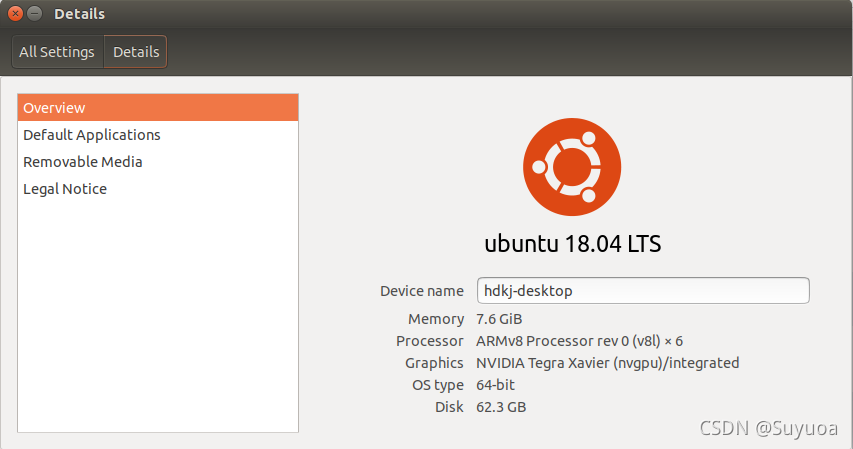
NX 选择的是英文的系统,系统版本ubuntu 18.04 arm
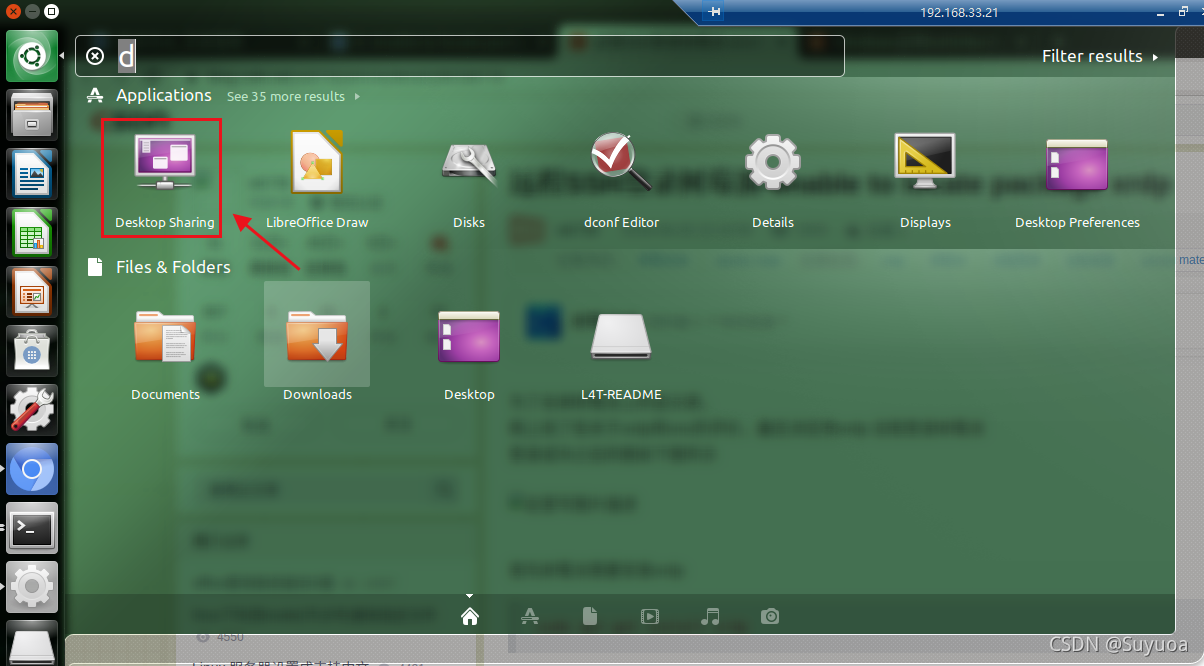
我当前的系统无法直接打开Desktop Sharing,所以我们要做一点小修改,打开终端,输入
sudo vim /usr/share/glib-2.0/schemas/org.gnome.Vino.gschema.xml
进入vim后,滚动到最下方,加入红线框出的这一段(一开始打开后这一段是完全没有的,需要咱们自己加入)
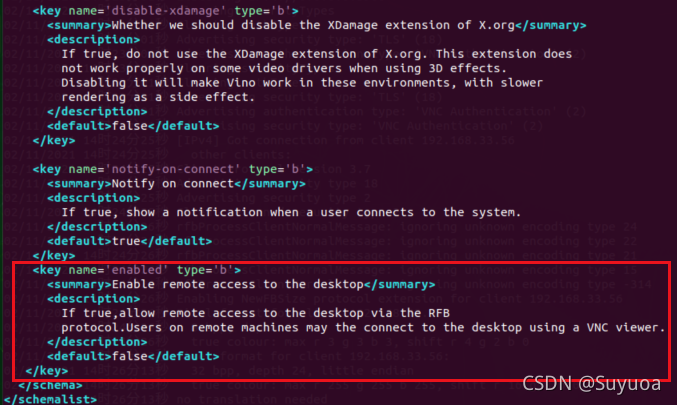
我把上面要添加的内容写下来
<key name='enabled' type='b'> <summary>Enable remote access to the desktop</summary> <description> If true,allow remote access to the desktop via the RFB protocol.Users on remote remote machine may the connect to the desktop using a VNC viewer </description> <default>false</default></key>如果你不考虑后面自己再看的时候不能看懂的问题,你是不用写summary与description的,这样只写key与default就可以生效
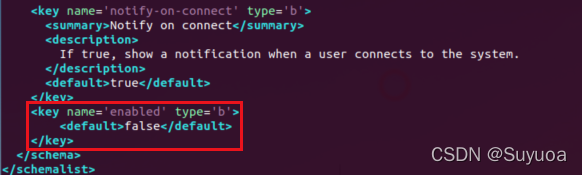
然后保存,之后在终端输入 sudo glib-compile-schemas /usr/share/glib-2.0/schemas

现在我们的Desktop Sharing就可以打开了,我们点去后和我图中一样设置
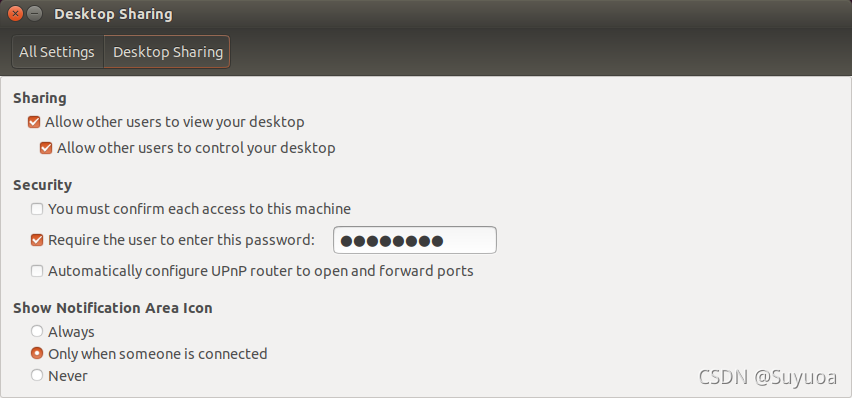
密文部分是密码,我们可以自己定义,我设置的是12345678
我们输入 sudo apt-get install xrdp vnc4server xbase- clients
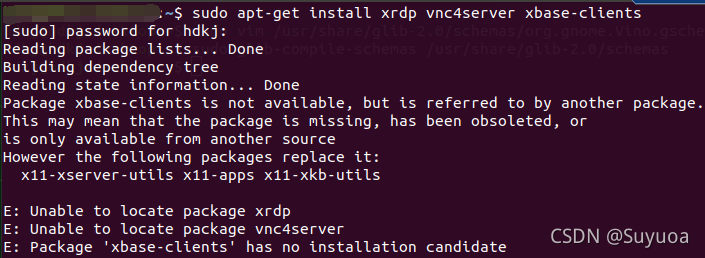
我第一次输入的时候告诉我无法找到包,我们需要输入 sudo apt-get update 进行更新
免责声明:本文系网络转载或改编,未找到原创作者,版权归原作者所有。如涉及版权,请联系删
 技术文档
技术文档
 推荐好文
推荐好文






 155-2731-8020




