- Go to Setup, start installation of the license manager use “License manager” button NOTE: When asked for License File Location, CANCEL that dialog.
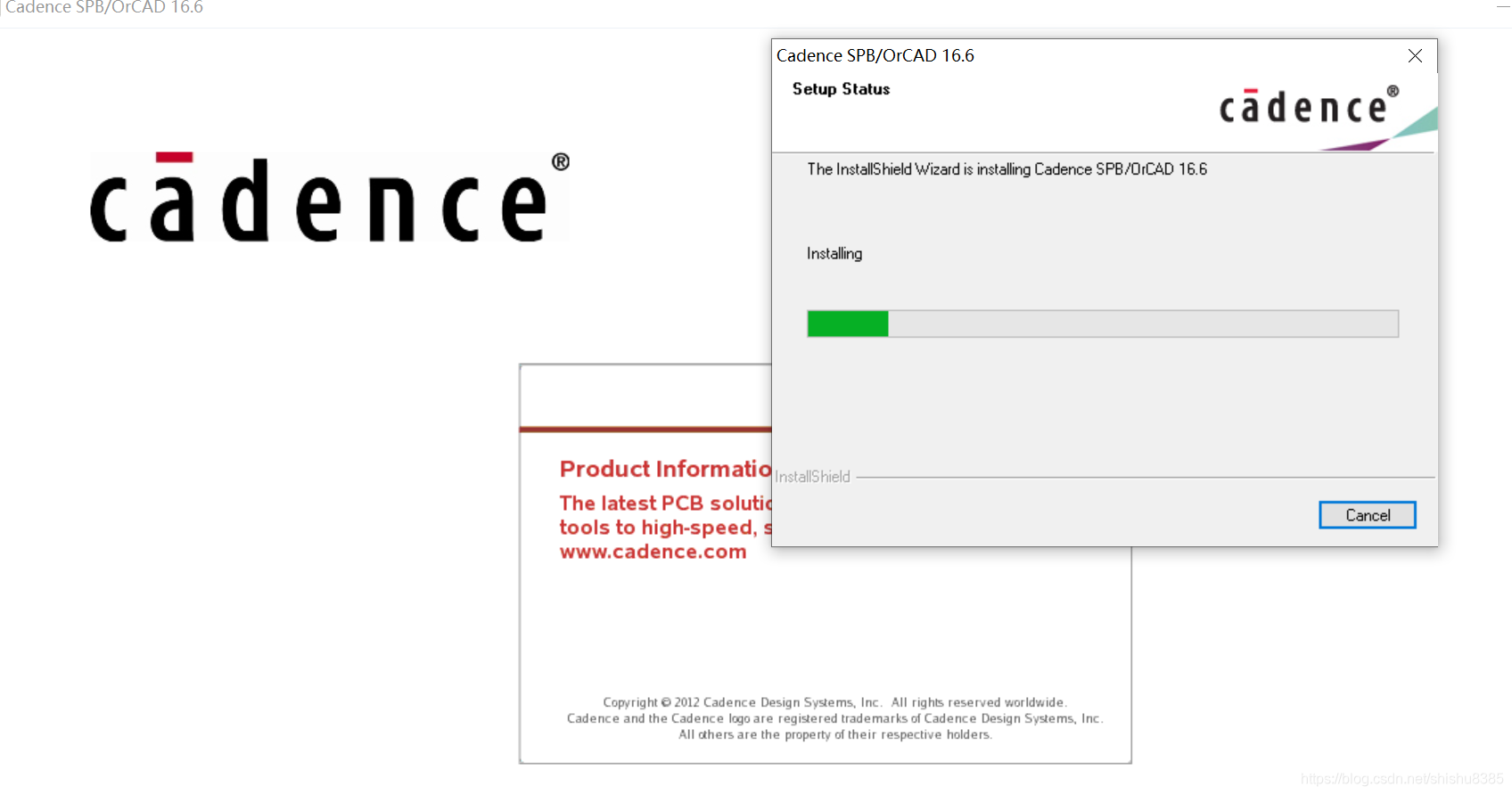
- Install Cadence SPB 16.6 use “Product Installation” button.
2a Install Hotfixs
- Copy \Cadence\ folder from \CRACK\ to install dir and overwrite. (c:\cadence)
- Go to \Cadence\LicenseManager\ folder Run “LicenseManager.cmd” file
- Go to \Cadence\SPB_16.6\tools\ folder Run “Tools.cmd”. in MS Win7: right-click on a Tools.cmd file and select “Run As ADMINISTRATOR” NOTE: Process will take 1-5 mins.
- Go to \Cadence\LicGen\ folder, Edit file “src.lic” with Notepad, change “this-host” to your host name. Save file.
- Run “LicGen.cmd” file “license.lic” file will be generated.
- Run Start -> Programs -> Cadence -> License Manager -> License Server Configuration Utility Select generated “license.lic” file Click Next twice.
- Run Start -> Programs -> Cadence -> License Manager -> License Client Configuration Utility add license path line: 5280@YOUR_COMPUTER_NAME Click Next
- Reboot PC, and enjoy.

免责声明:本文系网络转载或改编,未找到原创作者,版权归原作者所有。如涉及版权,请联系删