




软件

产品


转载自 https://blog.csdn.net/qq_21153225/article/details/81318011
Unreal Datasmith 美术处理流程,支持直接从3DSmax等DCC工具导入到UE4中
相对以往美术开发流程更加快速方便
https://www.unrealengine.com/zh-CN/studio
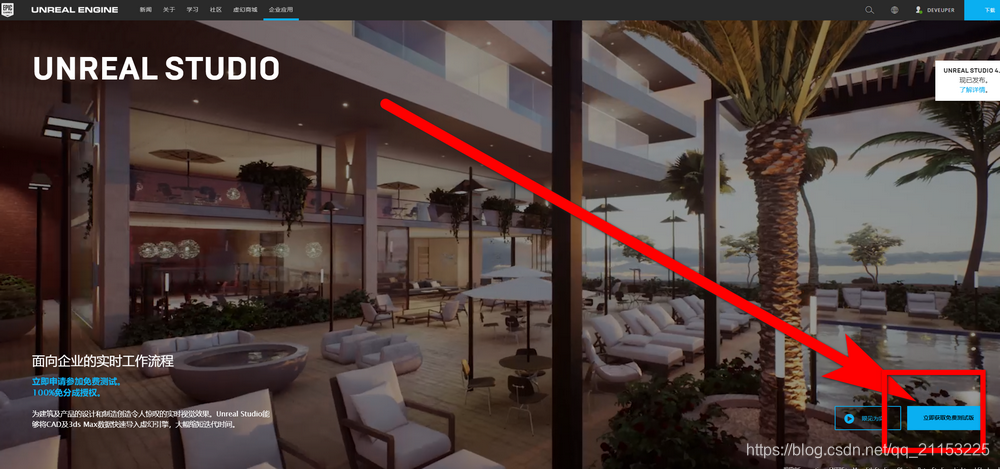
(电脑需已安装may/max 2017/2018/2019,或者SetchUp2018)
(更新快一些,速度都差不多)
https://www.unrealengine.com/en-US/studio/downloads
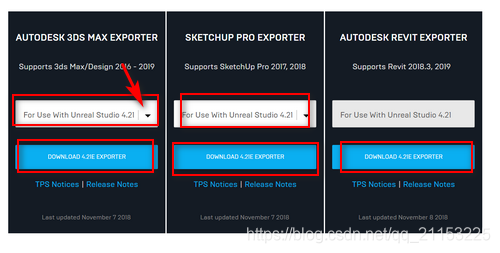
下载 安装即可。
国内的网站:https://www.unrealengine.com/zh-CN/studio/downloads
官方流程:https://www.unrealengine.com/zh-CN/studio/confirm
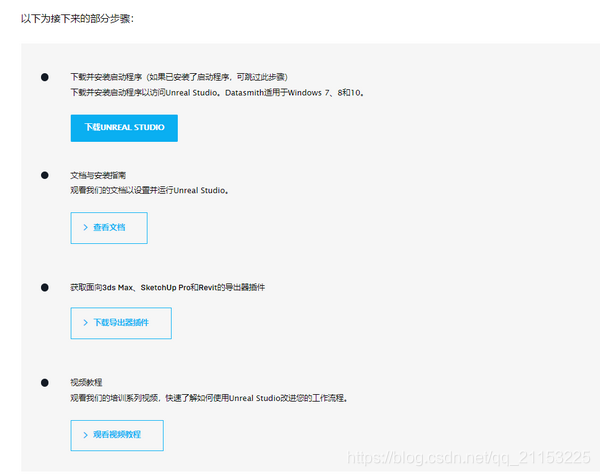
视频教程(科学上网):https://academy.unrealengine.com/
------------------------------------------------------------------------------------------------------------------------------------------------
2018.11.23更新
| 软件名称 | 支持格式 | 软件版本 | 支持方式 | UE导入选项按钮 |
|---|---|---|---|---|
| Alias Wire | .wire | -- | 直接支持 | CAD |
| 3D ACIS | .sat | Up to R21 | 直接支持 | CAD |
| 3DXML | .3dxml | FS 2.0 | 直接支持 | CAD |
| Autodesk 3ds Max | .udatasmith | 2016, 2017, 2018, 2019 | 导出插件 | Datasmith |
| Autodesk AutoCAD | .dwg | -- | 直接支持 | CAD |
| Autodesk Inventor | .iam, .ipt | Up to 2018 | 直接支持 | CAD |
| Autodesk Revit | .udatasmith | 2018.3, 2019 | 导出插件 | Datasmith |
| Autodesk VRED | .fbx | VRED Professional 2018 and 2019 | 导出插件 | VRED Fbx |
| AxF | .axf (Fixed carpaint and SVBRDF models only) |
-- | 直接支持 | Unreal Editor Import |
| CADDS | .gbf | 4 & 5 | 直接支持 | CAD |
| CATIA V5 | .catpart, .catproduct, .cgr | R10 - R24 | 直接支持 | CAD |
| Deltagen | .fbx (CSB not supported) | 2017, 2018 | 导出时选项 | Deltagen Fbx |
| ESRI CityEngine | .udatasmith | -- | 导出插件 | Datasmith |
| I-DEAS | .unv | Up to NX6 | 直接支持 | CAD |
| Initial Graphics Exchange Specification (IGES) | .iges, .igs | 5.2, 5.3 | 直接支持 | CAD |
| JT Open | .jt | Up to 10 | 直接支持 | CAD |
| MDL | .mdl | 2018 | 直接支持 | Unreal Editor import |
| Parasolid (x_t) | .x_t | up to 20 | 直接支持 | CAD |
| PTC Creo (Pro/ENGINEER) | .asm.1, .neu, .prt.1 | V13 up to Creo 4 | 直接支持 | CAD |
| Rhinoceros | .3dm | up to 6 | 直接支持 | CAD |
| ROBCAD | .rf | -- | 直接支持 | CAD |
| Siemens NX | .prt | V11 - NX9 | 直接支持 | CAD |
| Trimble SketchUp Pro | .udatasmith | 2017, 2018 | 导出插件 | Datasmith |
| SolidWorks | .sldasm, .sldprt | Up to 2017 | 直接支持 | CAD |
| STEP | .step | AP203, AP214, AP242 | 直接支持 | CAD |
请根据对应软件版本、导出格式、导入选项,进行设置操作
原文连接:https://docs.unrealengine.com/en-us/Studio/Datasmith/SupportedSoftwareAndFileTypes
------------------------------------------------------------------------------------------------------------------------------------------------
遇到了个问题,3DSMax2016有打不开示例工程,卸载完,安装3DSMAX2018版本。安装 UE4 datasmith插件后看不到Unreal datasmith 格式文件,整了半天。
几个注意事项:
1.卸载Max,一定用Autodesk 卸载工具 进行卸载,自带Max卸载工具有残留,不然不识别unreal datasmith插件
2.激活,一定要删除C:\ProgramData\FLEXnet 文件 ,在进行激活,不然会出各种各样问题(激活页面不出来、激活卡死、激活失败后再次开启闪退等等)
------------------------------------------------------------------------------------------------------------------------------------------------
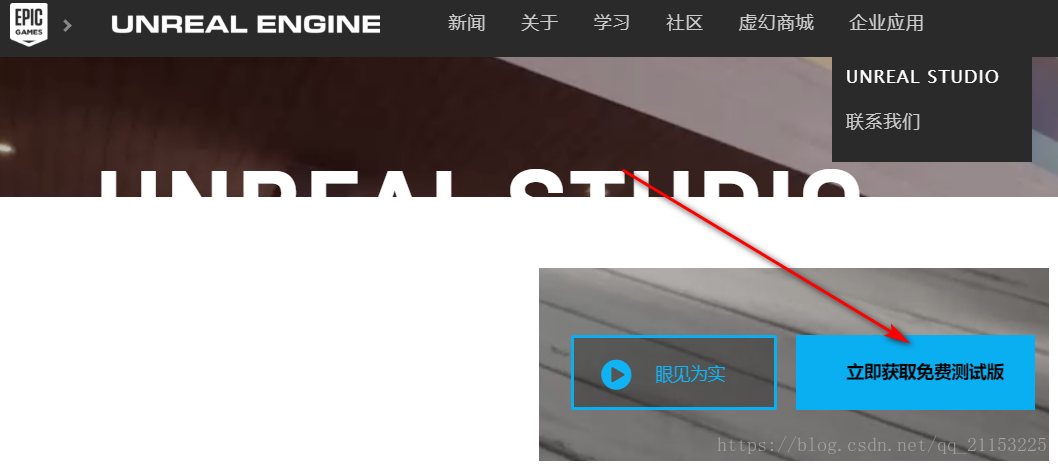
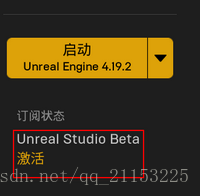
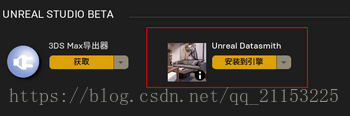
按照步骤点击激活,成功后,回到Epic Game Lanucher中,查看Unreal Studio状态
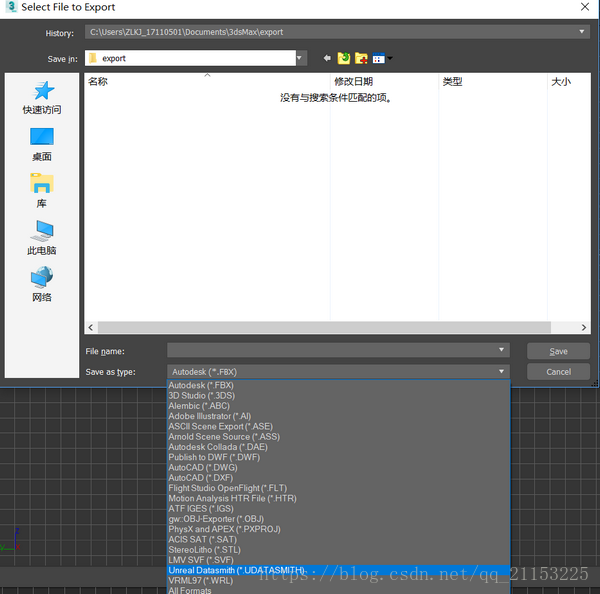
选择选中的模型、或者全部显示的模型进行导出
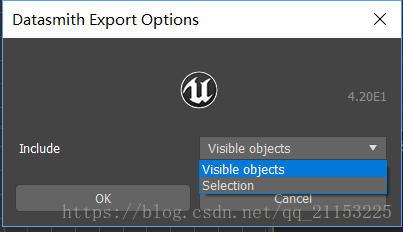
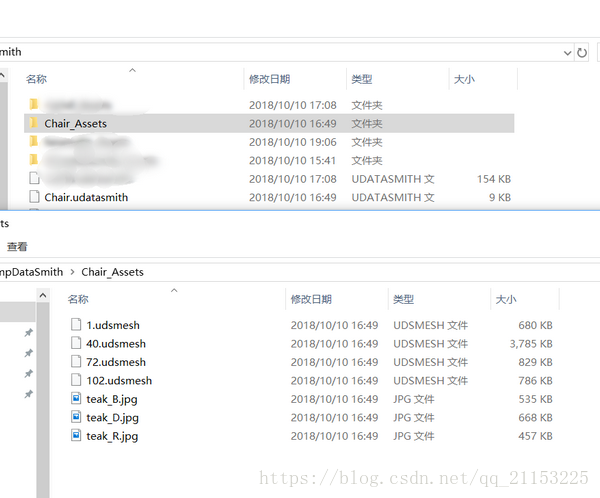
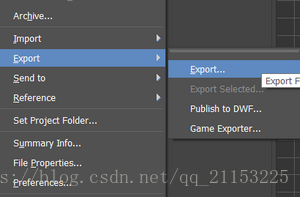
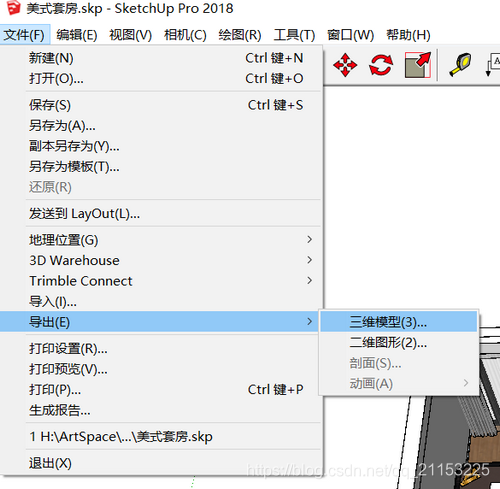
选 中文 件- 导出 -三维模型 ,格式选择datasmith
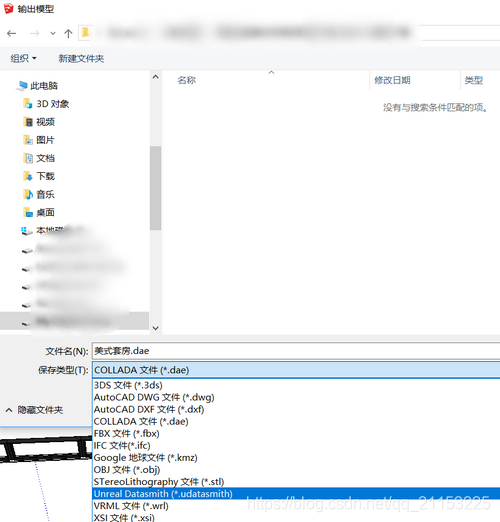
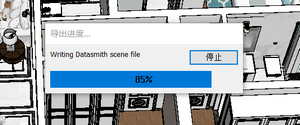
等待完成即可
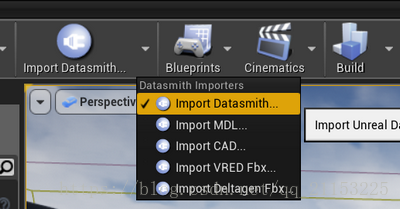
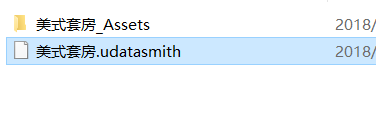
选择xxx.udatasmith格式,import即可
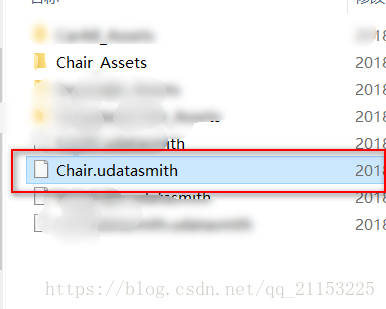
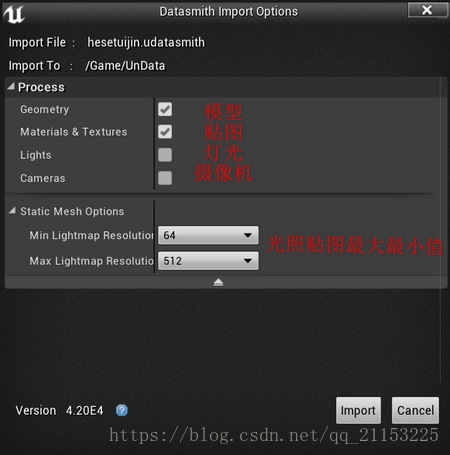
su导出datasmith同理
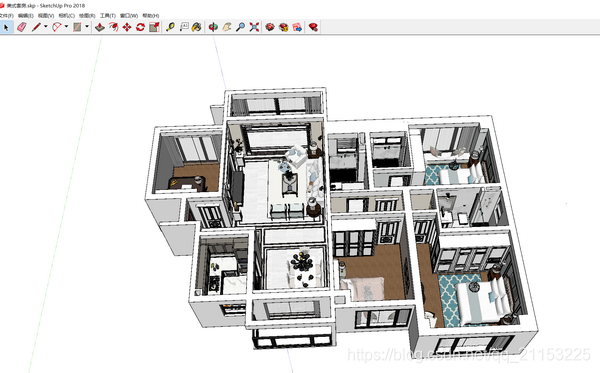
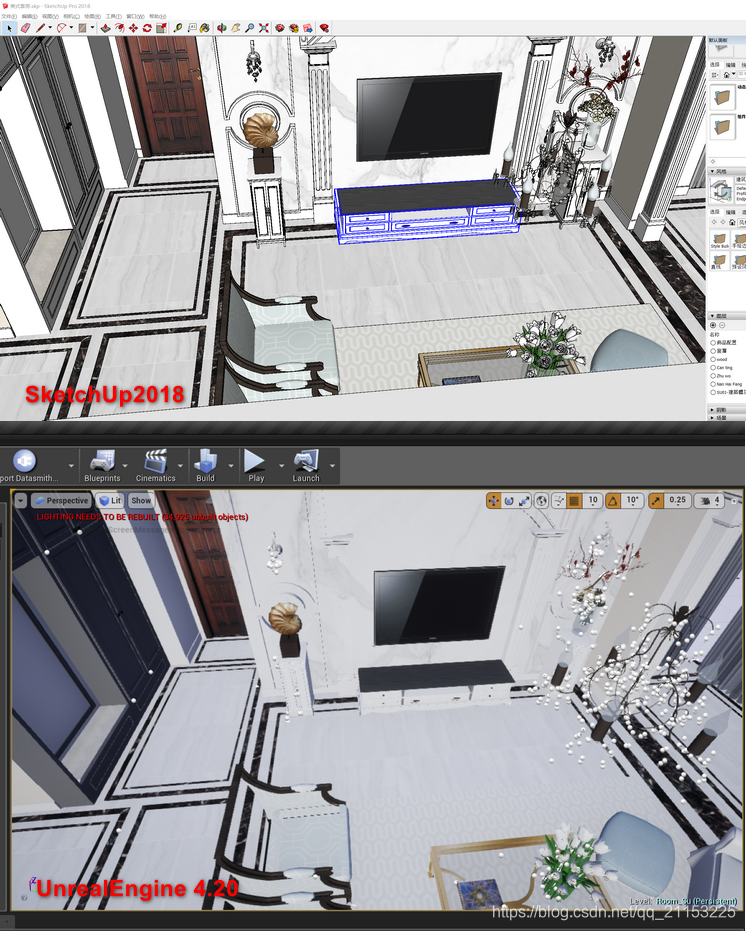
来一张SketchUp和UE4的对比(没有进行后处理)
以上为datasmith的使用方法
免责声明:本文系网络转载或改编,未找到原创作者,版权归原作者所有。如涉及版权,请联系删
 技术文档
技术文档
 推荐好文
推荐好文






 155-2731-8020




