




软件

产品


Allegro DRC检测就报错,
Program has encountered a problem and must exit. The design will be saved as a .SAV file that can be recovered using dbdoctor (if applicable). To resolve problem, first obtain the latest software update from Cadence and if the problem persists contact Cadence Customer Support. In addition to the data Cadence support requests; please provide the MiniDump files found in folder “https://www.gofarlic.com/”.
然后当掉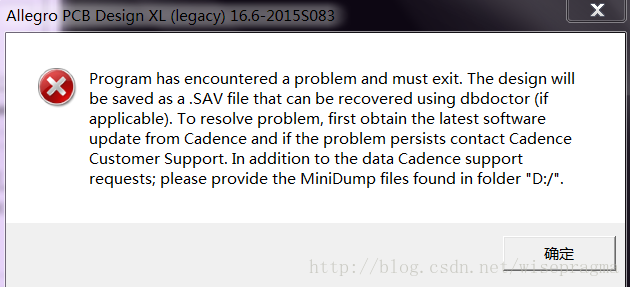
解决 方法: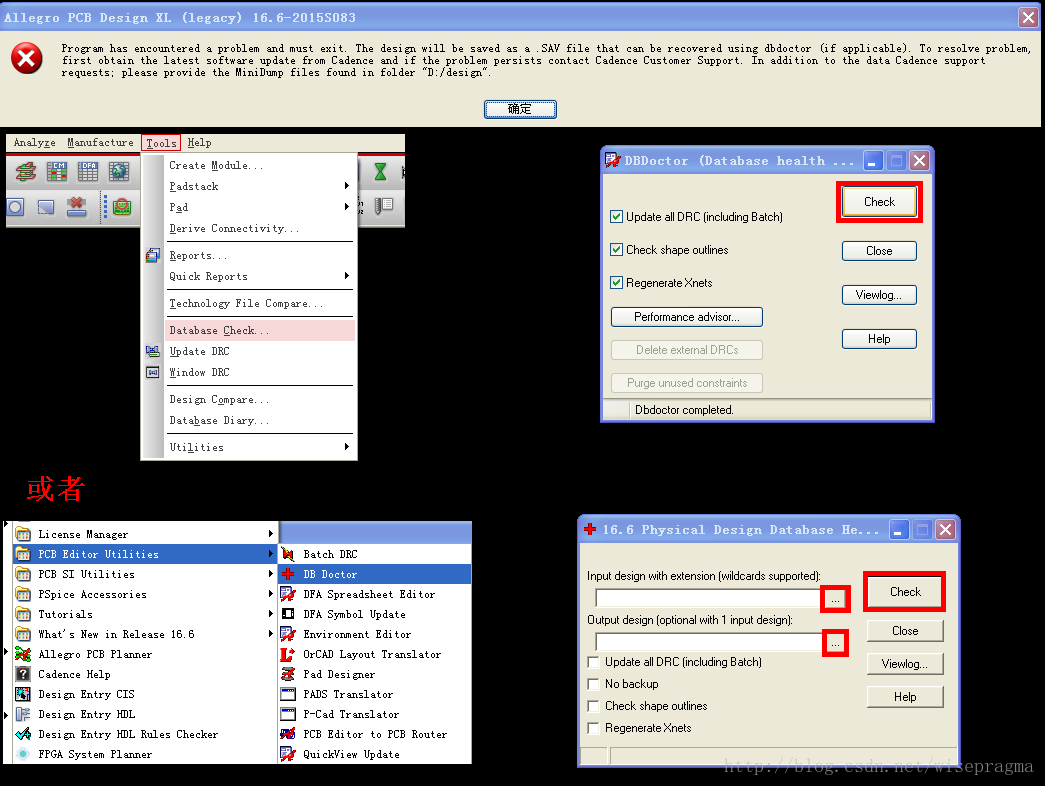
免责声明:本文系网络转载或改编,未找到原创作者,版权归原作者所有。如涉及版权,请联系删
 技术文档
技术文档
 推荐好文
推荐好文






 155-2731-8020




