
参考这篇文章整理一下ECS1.4.3的使用方法
https://github.com/Unity-Technologies/EntityComponentSystemSamples
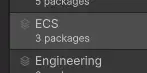
1,安装ECS套件

package manager中选ECS会自动安装所有相关插件
2,添加sub scene
- 新的ecs机制会将所有sub scene中的GameObject在编译阶段自动转化为entity
- 注意子场景是无法动态加载的,因为他是在保存场景时立刻编译,做为当前场景的一部分写入到当前场景文件中去的。
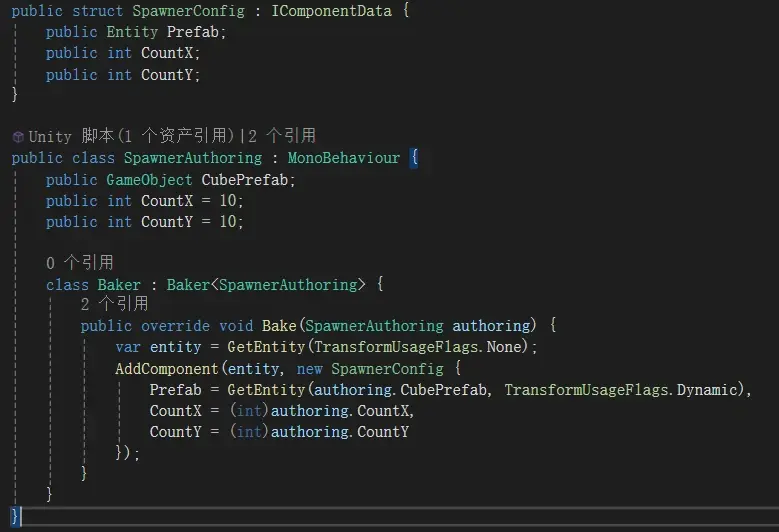
3,创建Component
- 继承自IComponentData的struct
- 将组件添加到entity上:在subscene中创建一个gameobject,添加Authoring的Monobehaviour,Authoring中添加私有Baker类,这样就会在编译阶段自动完成entity的添加工作。

4,创建System
两种创建System的方式:
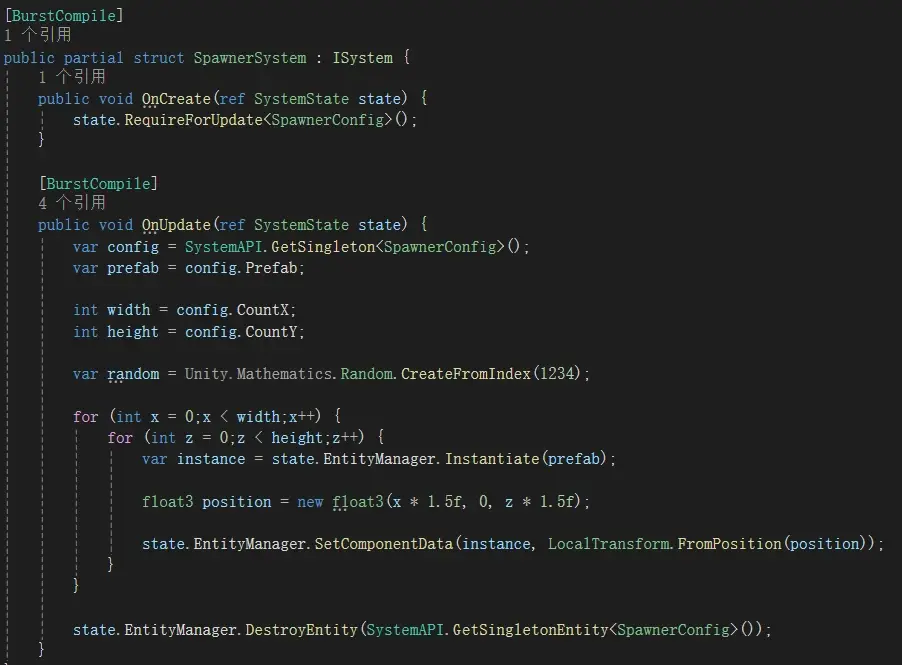
4.1 非托管形式,ISystem
- 继承自ISystem的struct
- 修改OnUpdate(ref SystemState state)的逻辑,state.EntityManager可以对Entity进行增删改查
- SystemAPI.Time:类似Time.Deltatime
- SystemAPI.Query:遍历出某组件类型的所有实例,foreach (var (transform, speed) in SystemAPI.Query<RefRW<LocalTransform>, RefRO<RotationSpeed>>())

4.2 托管形式,SystemBase
- 继承自SystemBase的class
- 其他和ISystem类似
4.3 手动加载System的方法
通常System都会自动加载到默认World中,除非在定义前面加了[DisableAutoCreation]属性,可以通过下图的方式手动加载

4.4 启用或暂停System的方法
有多种方法可以实现System的启用或暂停,
方法一:低效
simulationGroup.AddSystemToUpdateList(mySystemHandle)
simulationGroup.RemoveSystemFromUpdateList(mySystemHandle)
方法二:高效

免责声明:本文系网络转载或改编,未找到原创作者,版权归原作者所有。如涉及版权,请联系删