




软件

产品


官方文档:Cartographer — Cartographer documentation
链接:https://pan.baidu.com/s/150mTzN5t_rkMUIuaj8vmIw 提取码:wxa1
./auto-carto-build.sh
使用 脚本 一键安装~
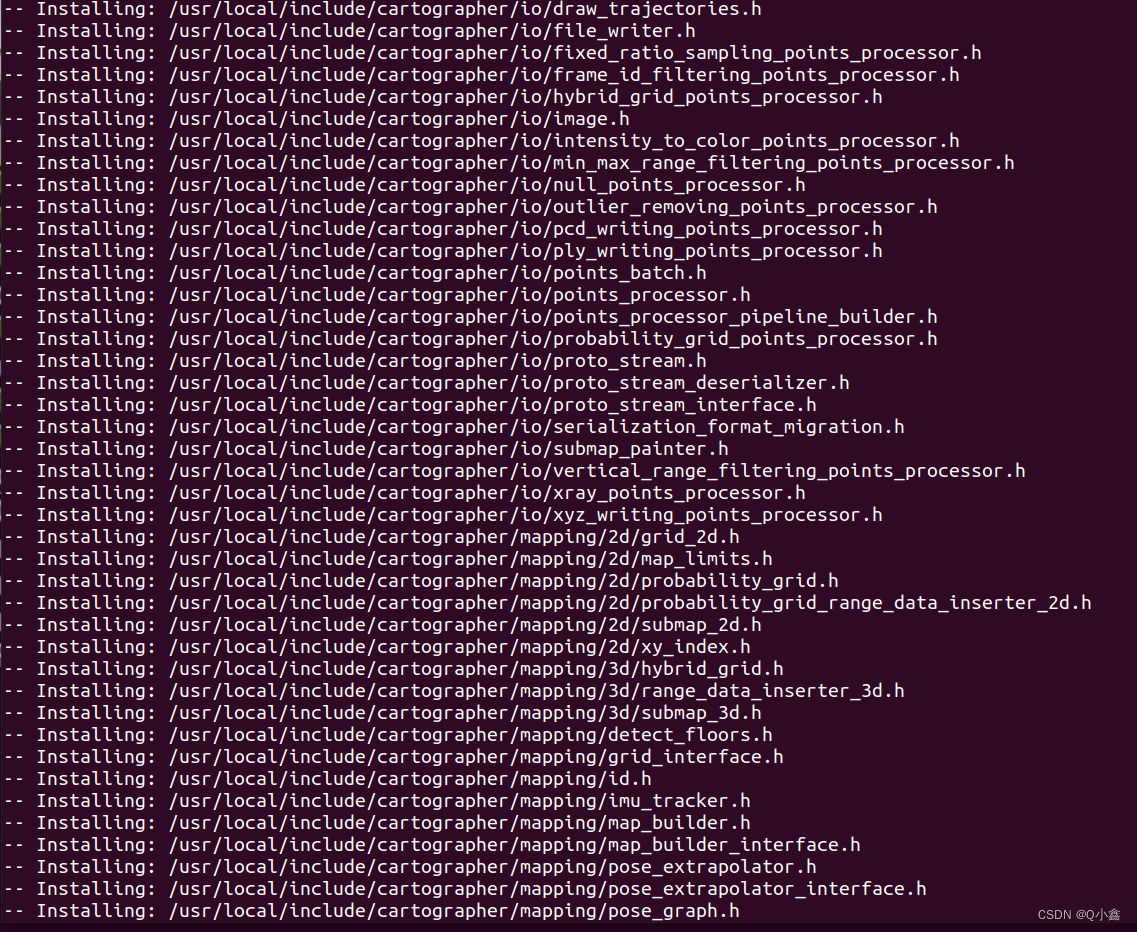
这里使用的源码是基于李想老师注释的源码~
源码路径:https://github.com/xiangli0608/cartographer_detailed_comments_ws
mkdir carto_wscd carto_wsgit clone https://github.com/xiangli0608/cartographer_detailed_comments_ws.git编译:
cd cartographer_detailed_comments_ws ./catkin_make.sh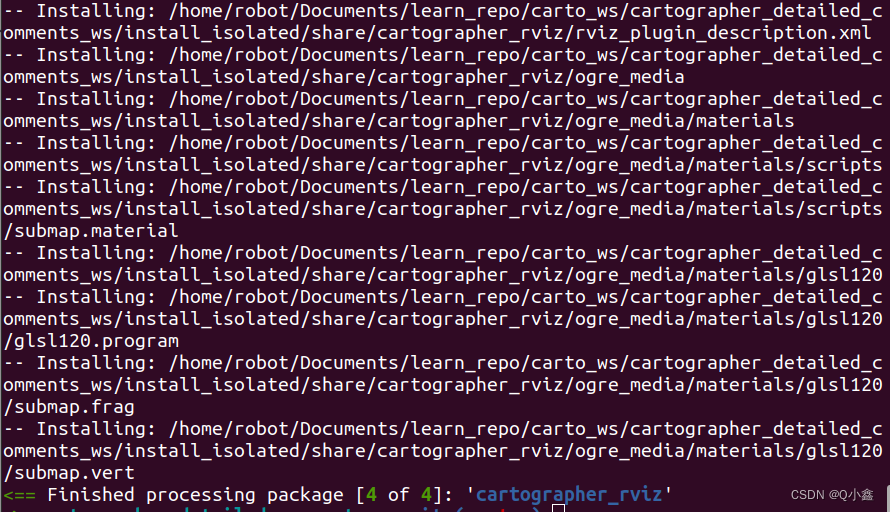
编译了4个 package 包:
设置环境路径:
sudo vim ~/.bashrc # 在最后面放入(绝对路径)source /home/robot/Documents/learn_repo/carto_ws/cartographer_detailed_comments_ws/install_isolated/setup.bash小技巧:(在vim里面点G,可以跳转到最后一行)
注意:本工程文件只能使用catkin_make.sh 脚本文件进行编译,不能直接用catkin_make
当不需要修改cartographer源码的时候,可以直接把cartographer_ros 放在工作空间进行catkin_make编译(因为cartographer源码已经安装到系统里,作为一个安装库)
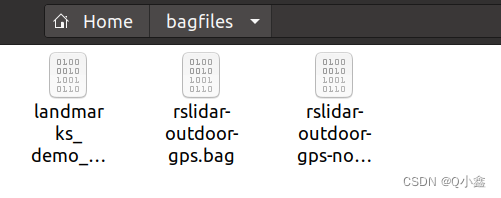
新建一个 bagfiles 文件,在home目录下(后面也可以修改launch文件中bag路径信息)
cd ~mkdir bagfiles将下载好的 数据集 bag文件放入这个文件夹中!
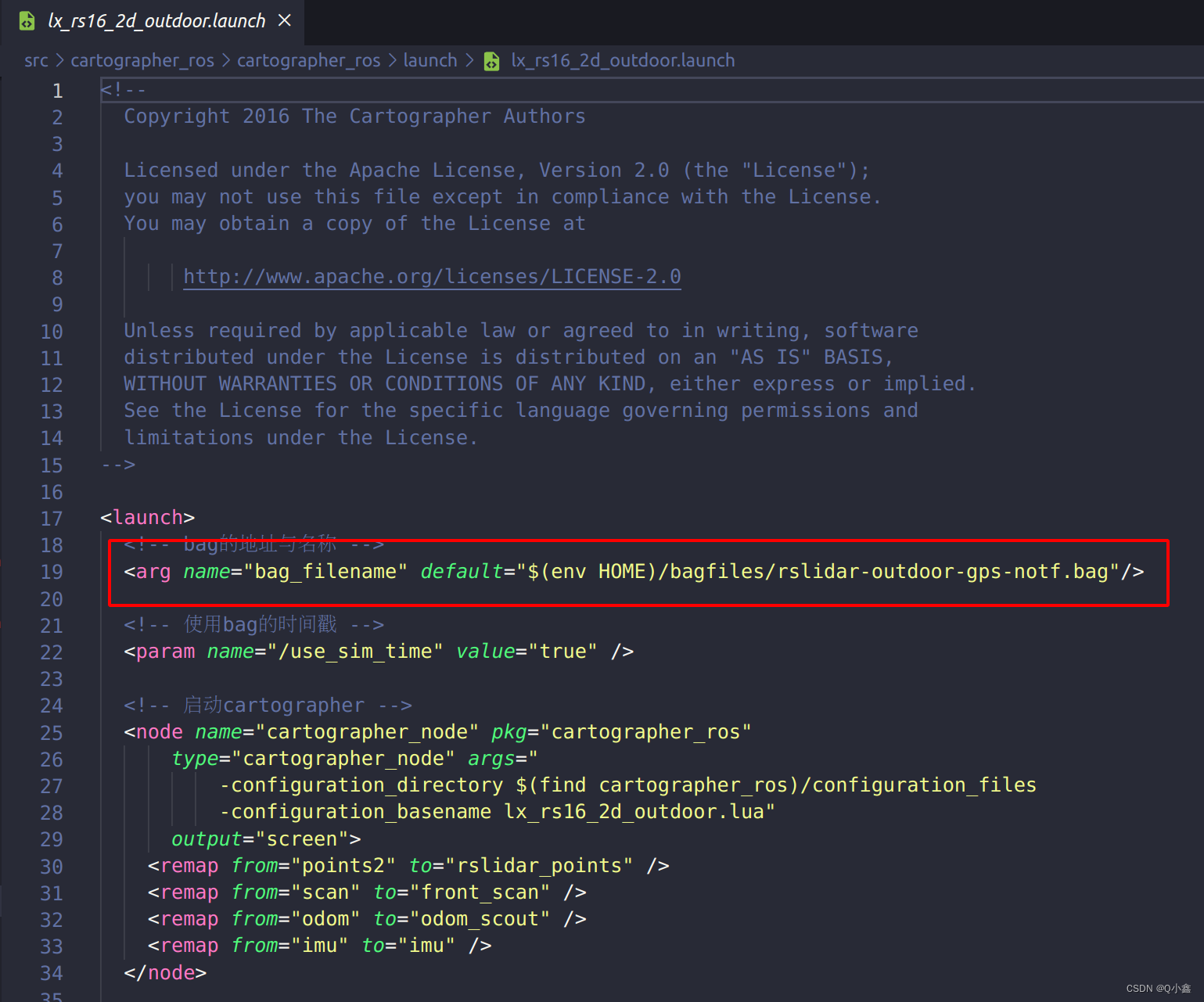
可以修改这里的数据集的路径:
# 查看系统环境是否生效rospack profile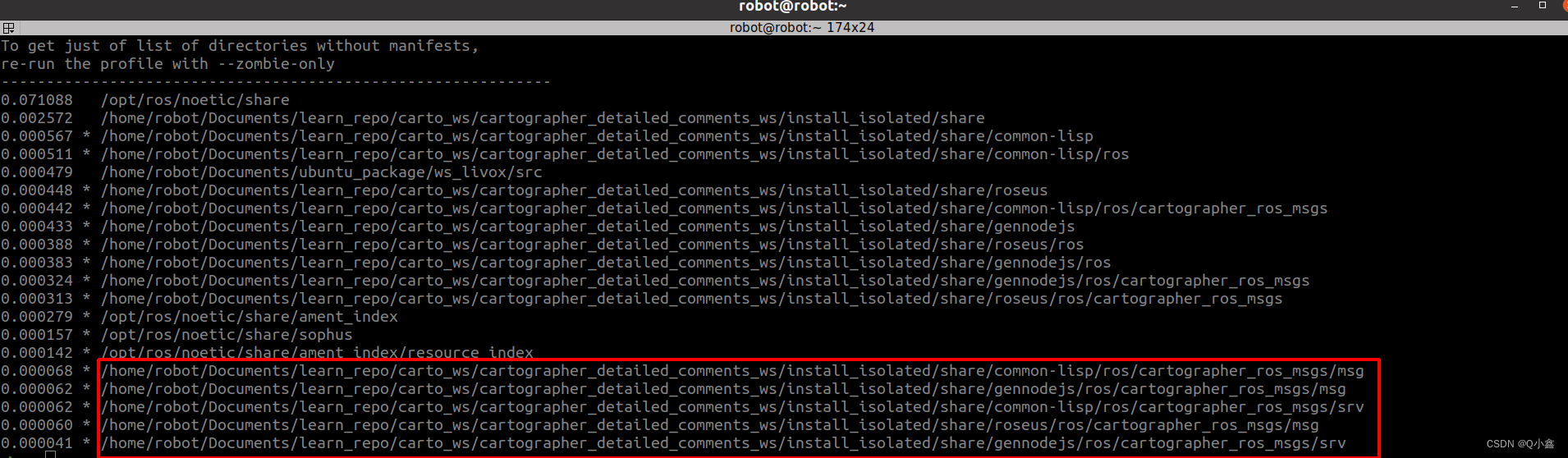
运行:(2D建图)
roslaunch cartographer_ros lx_rs16_2d_outdoor.launch 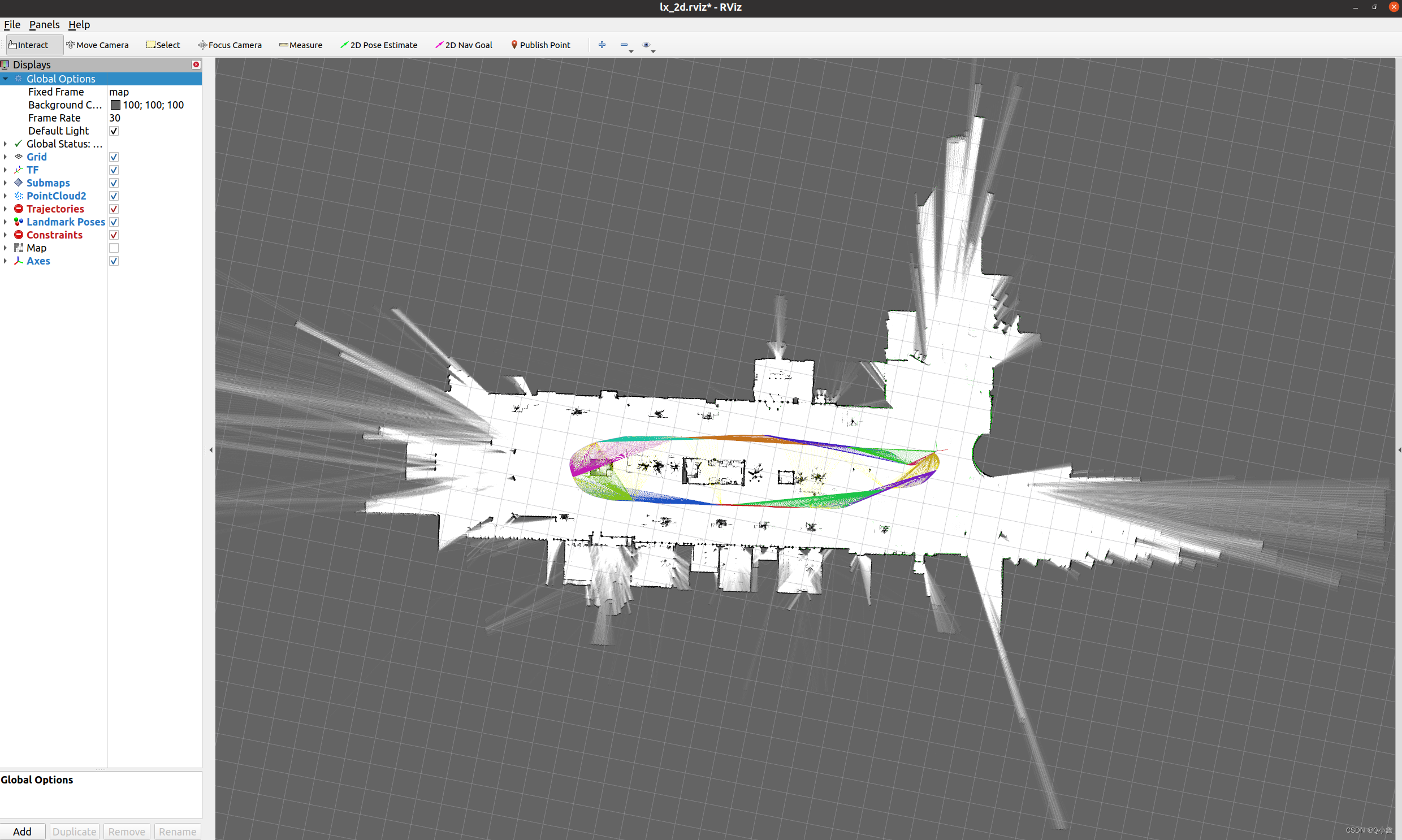
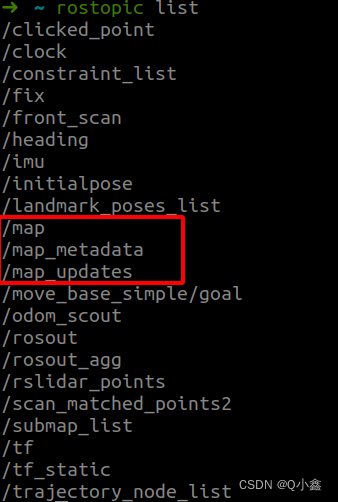
以上的建图使用的Submaps进行查看,也可以用map进行查看:
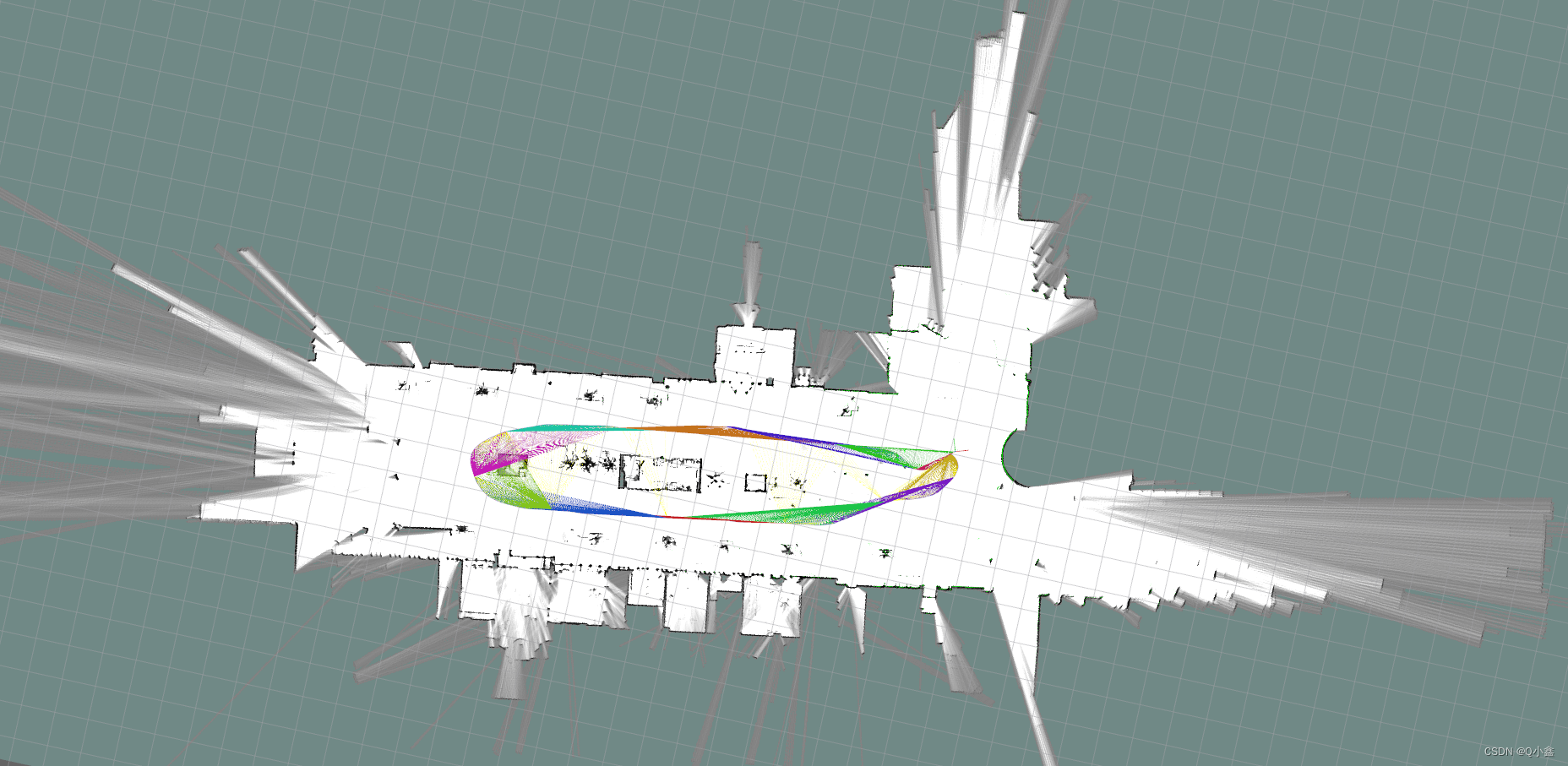
查看map话题是谁发布的:
rostopic info /map

保存地图:(方式1)
rosrun map_server map_saver -f map 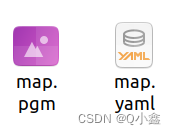
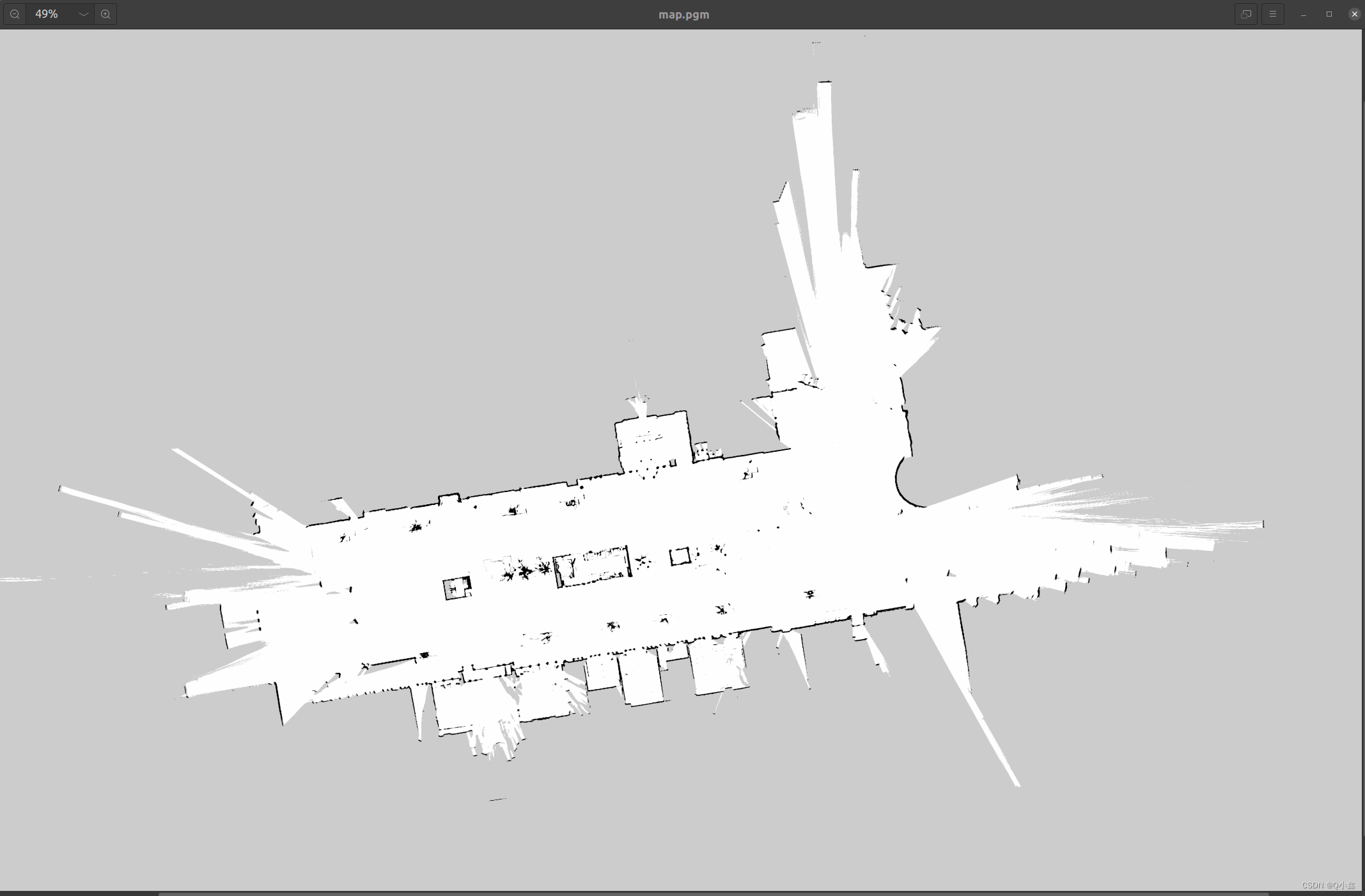
(方式2:)使用工程里面的脚本文件finish_slam_2d.sh
./finish_slam_2d.sh

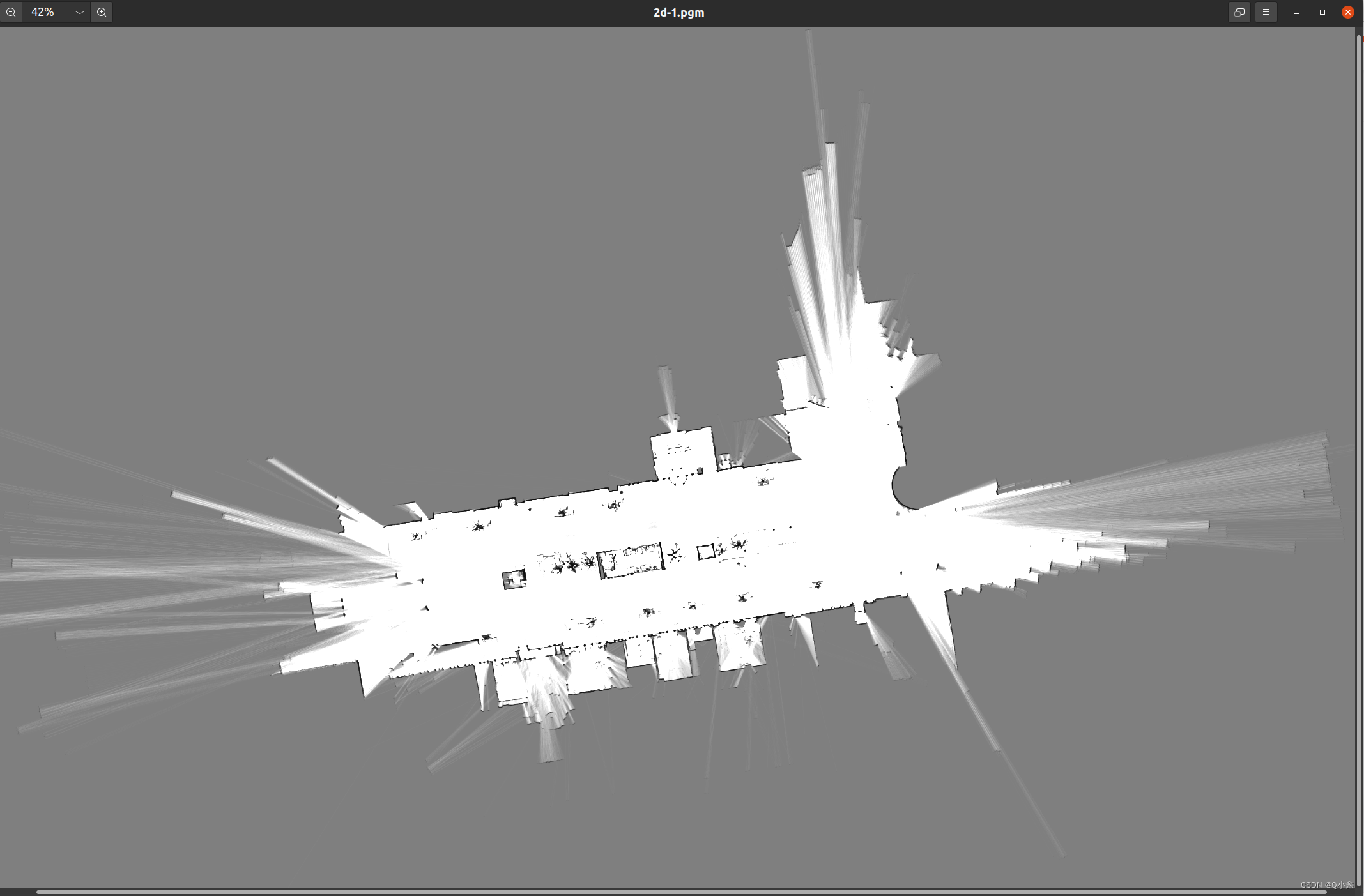
我们可以看到,它保存在了home目录下,创建了一个 文件夹 ,这个路径其实是可以修改脚本文件
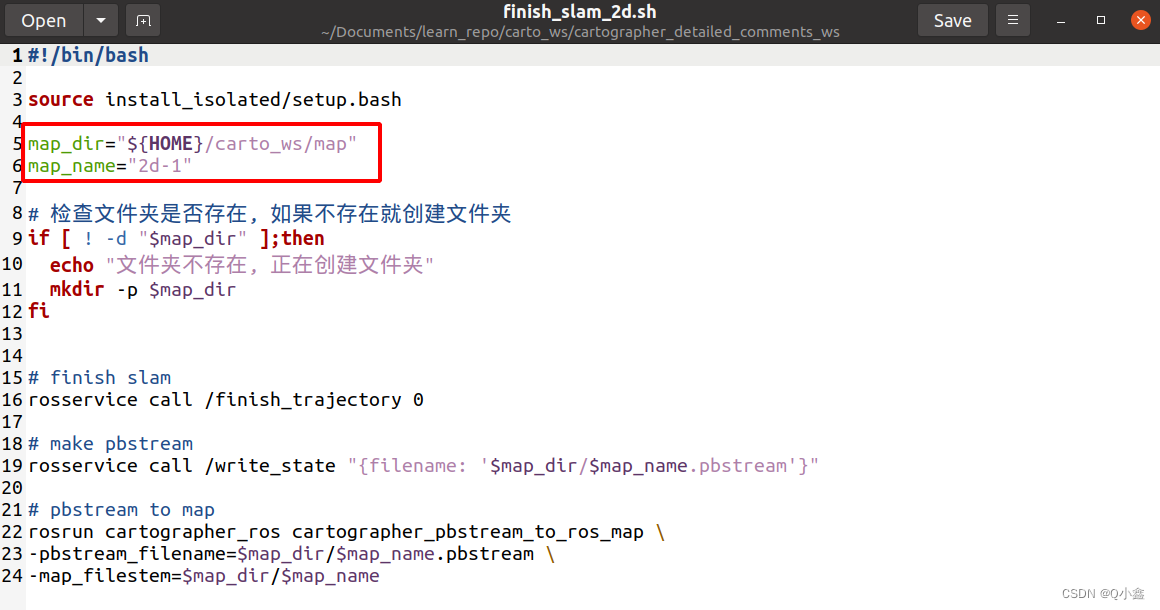
roslaunch cartographer_ros lx_rs16_2d_outdoor_localization.launch
纯定位模式相比刚刚的建图其实就是加载已建立的地图后,再跑一下bag包进行建图
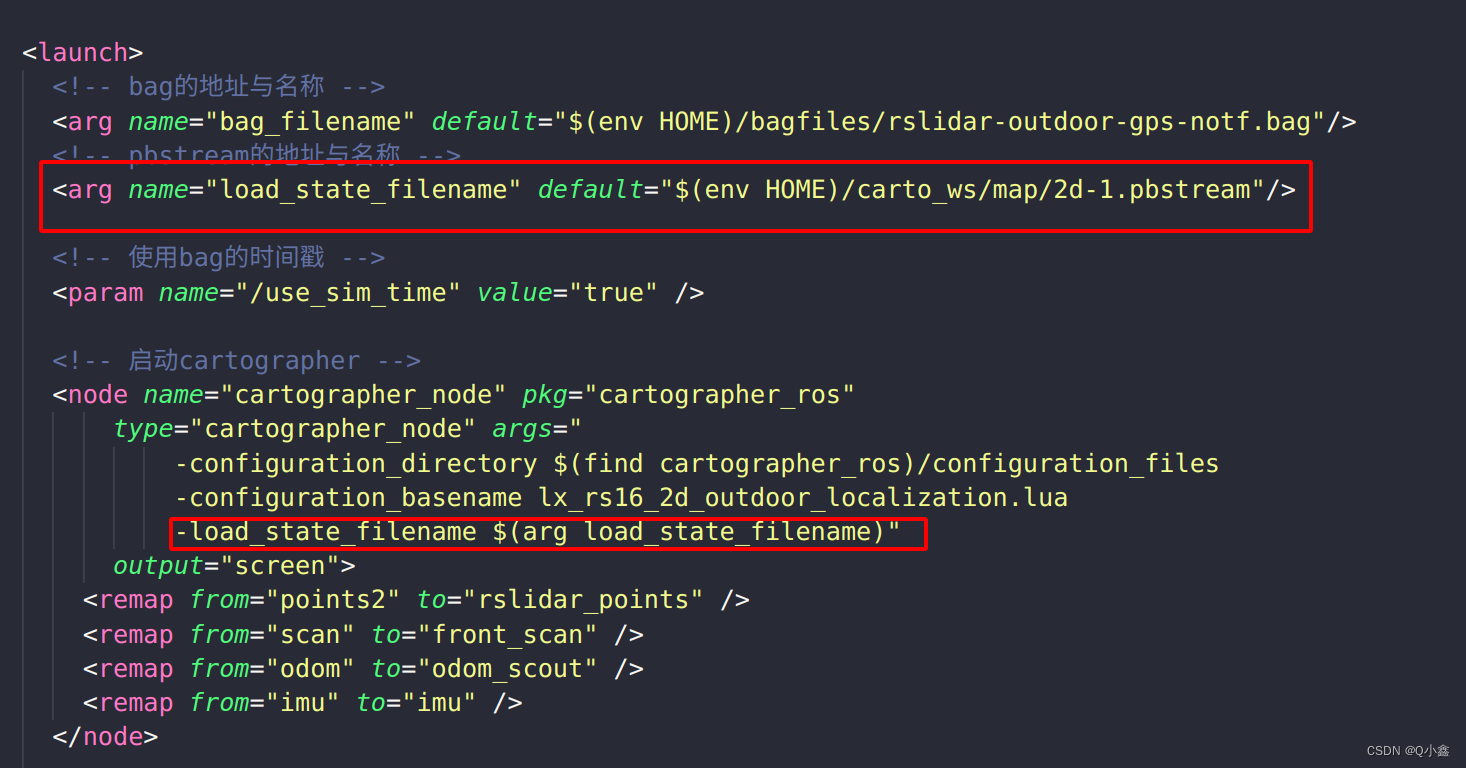
而我们可以发现其实地图还是稍微有点变化的,这对于导航是不利的,因此我们可以通过map_server,把已建立的地图加载出来,通过map的话题发布出来即可

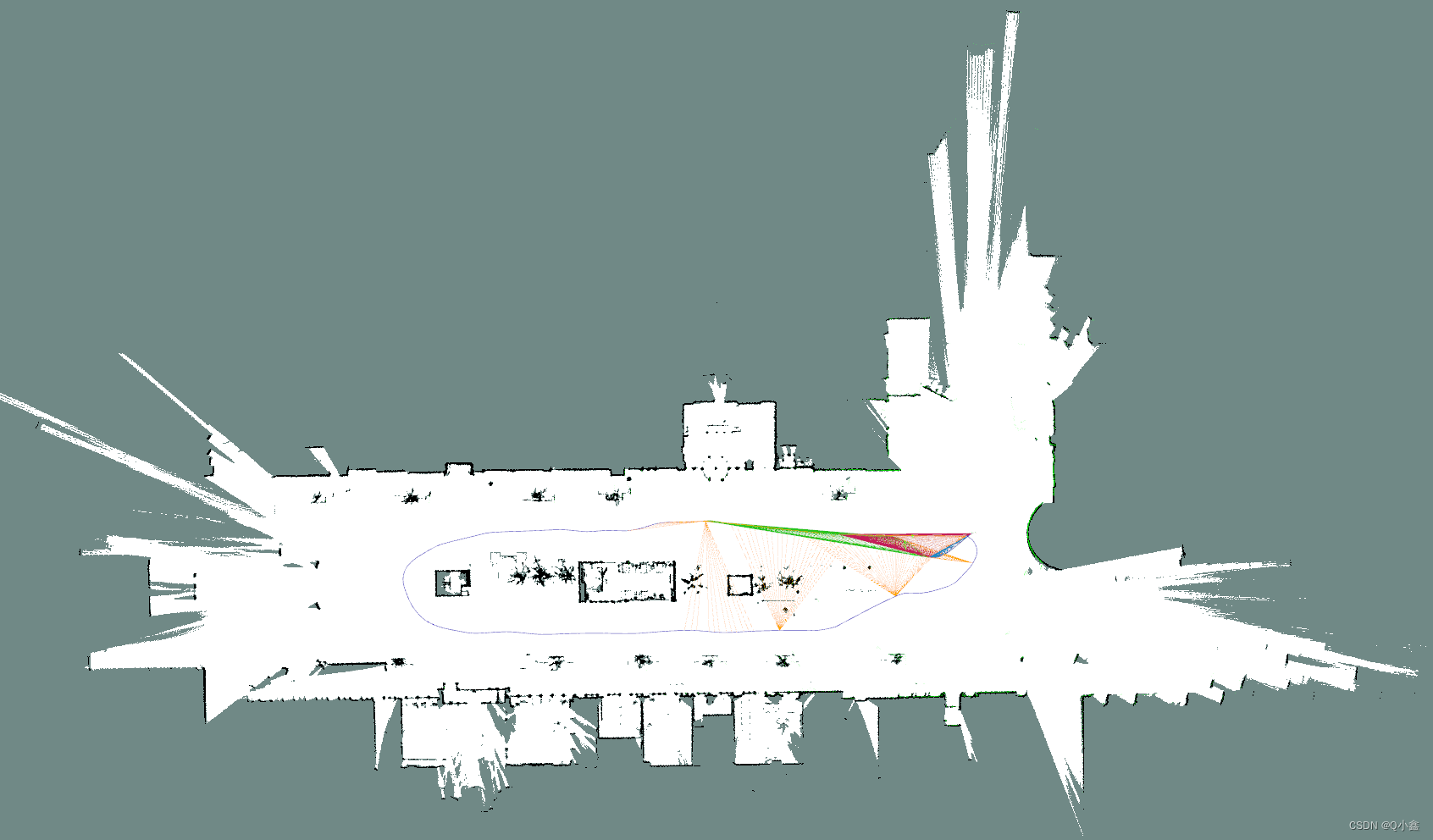
roslaunch cartographer_ros lx_rs16_3d.launch 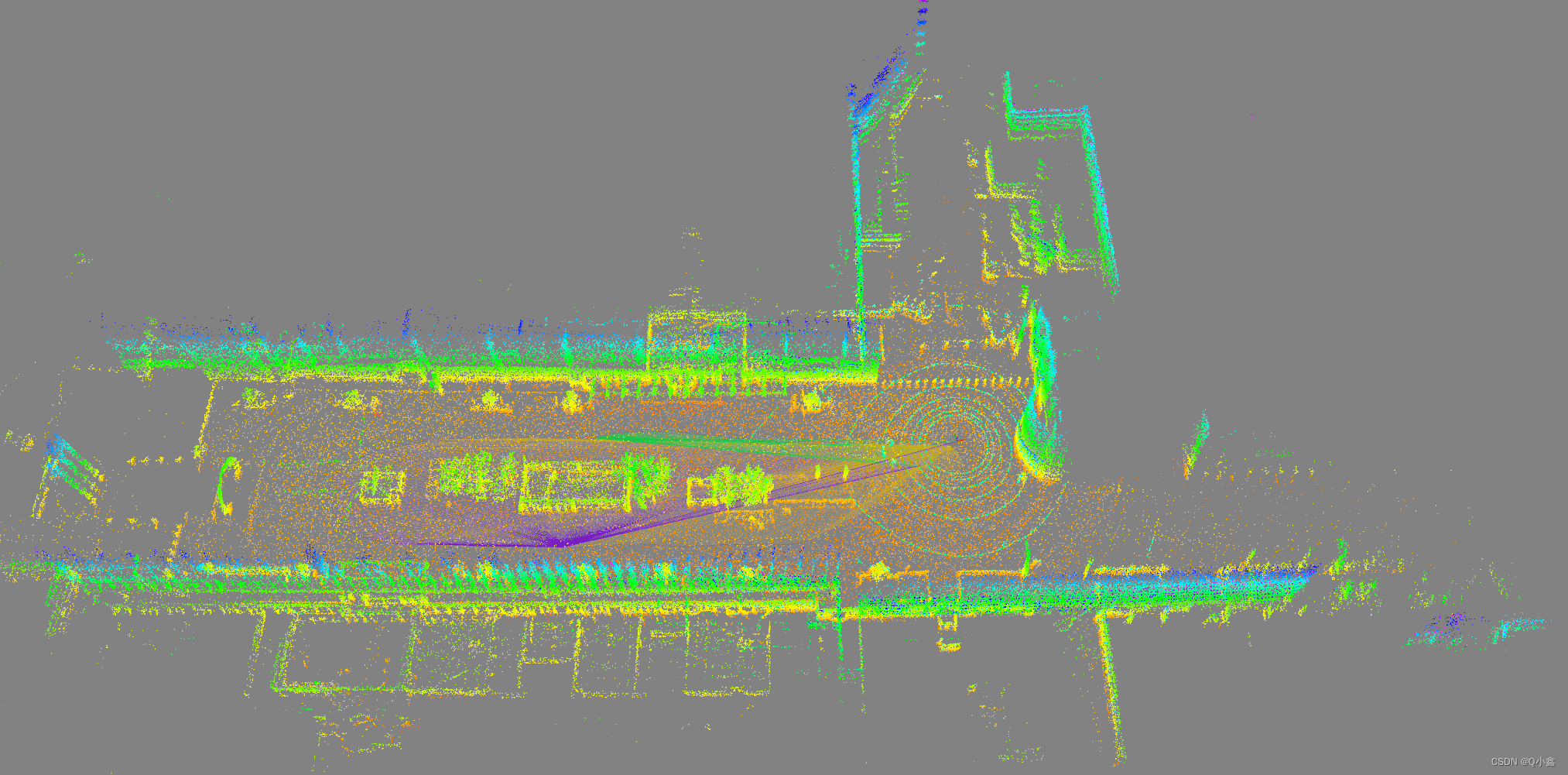
7、保存地图(3D地图)
./finish_slam_3d.sh 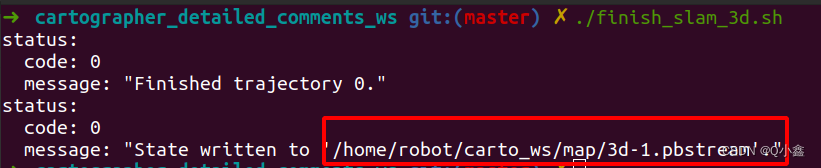
生成 pbstream 文件
roslaunch cartographer_ros assets_writer_2d.launch
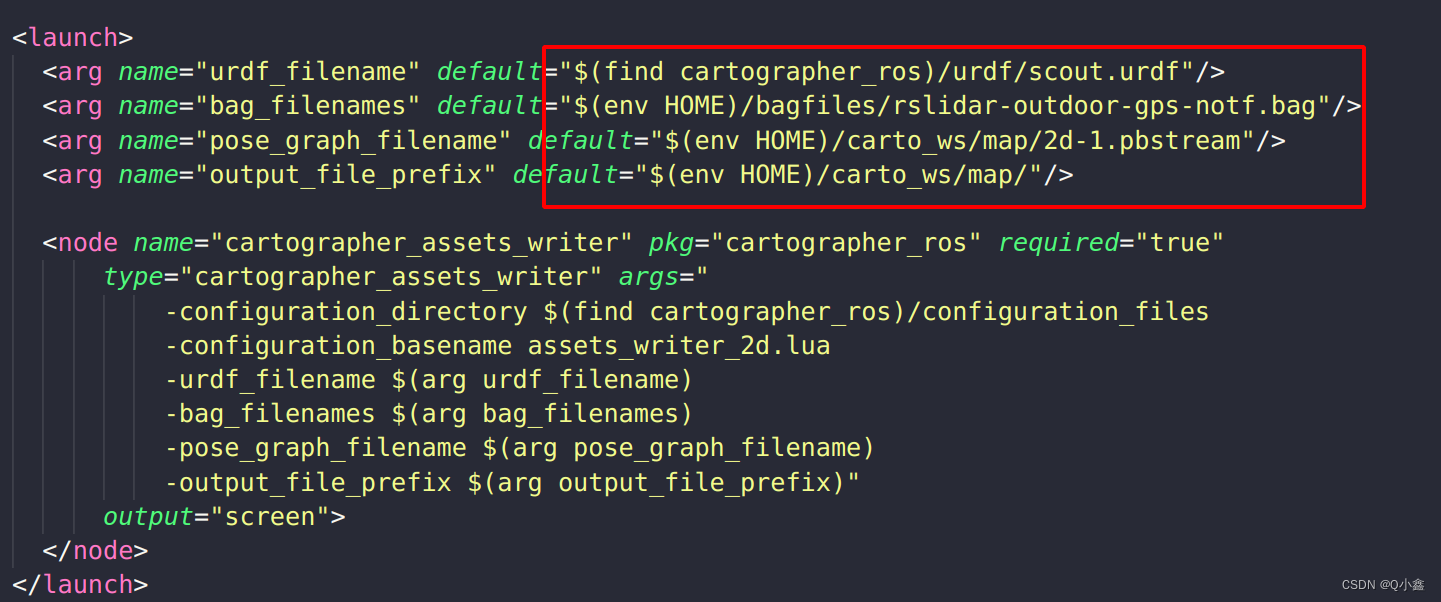
读取urdf文件、bag包、pbstream文件,最终生成一个map.pgm
roslaunch cartographer_ros assets_writer_3d.launch
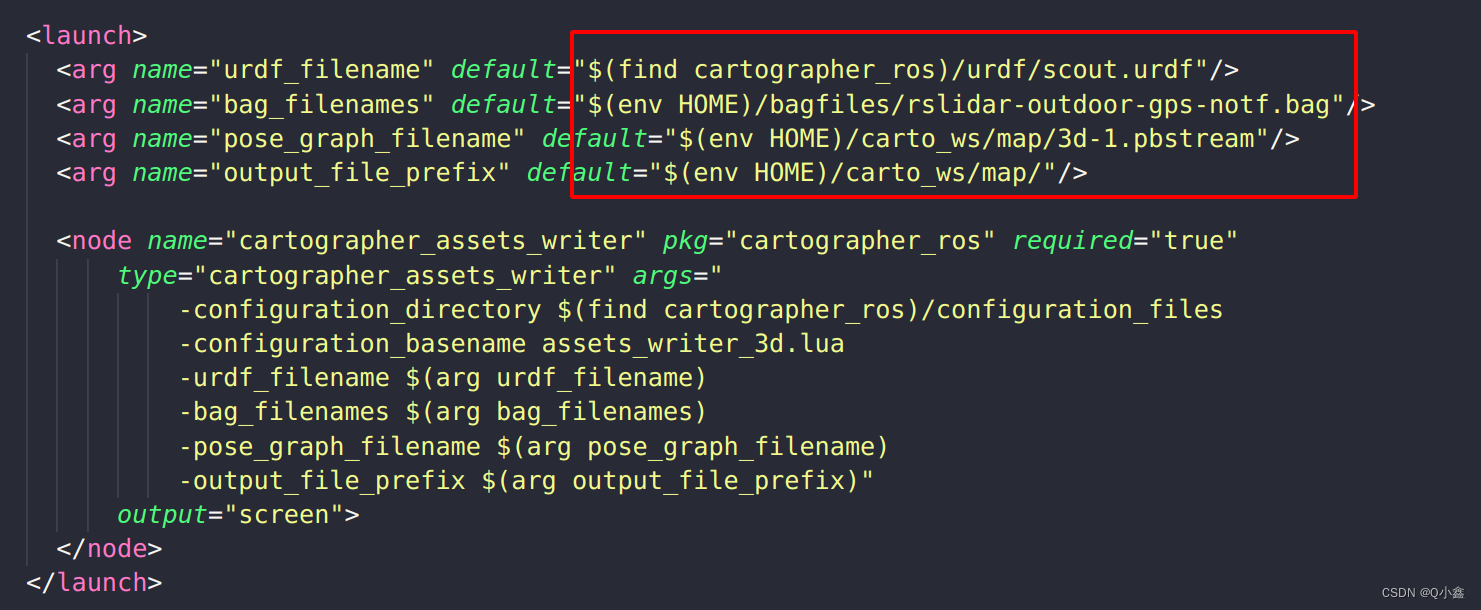
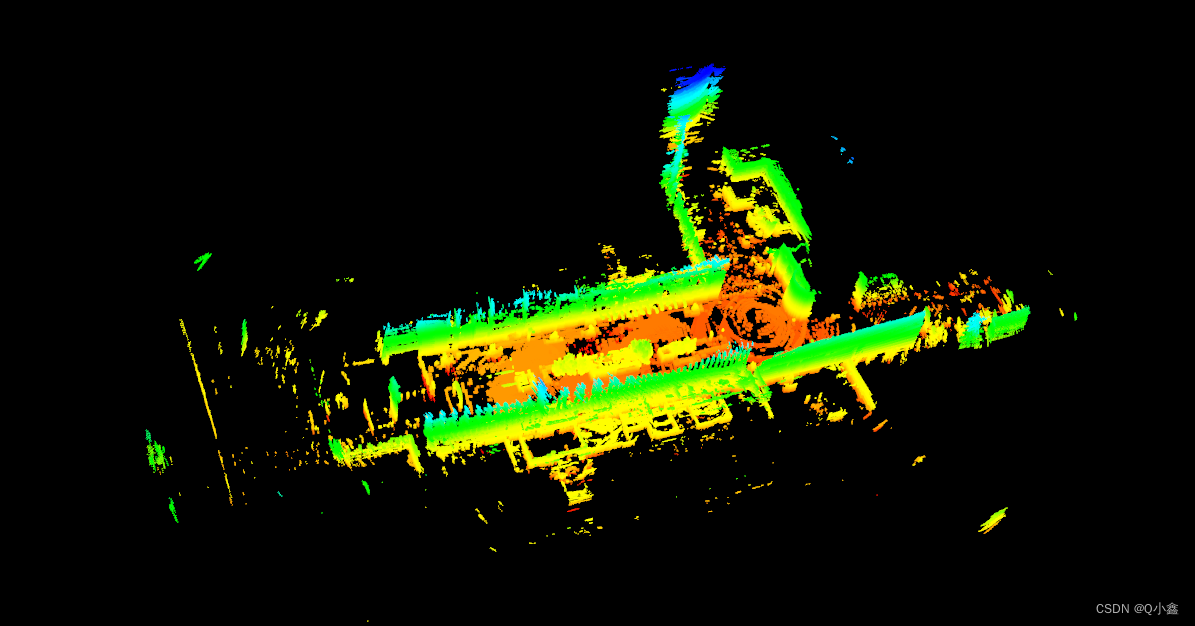
生成了一个b3_1.pcd文件
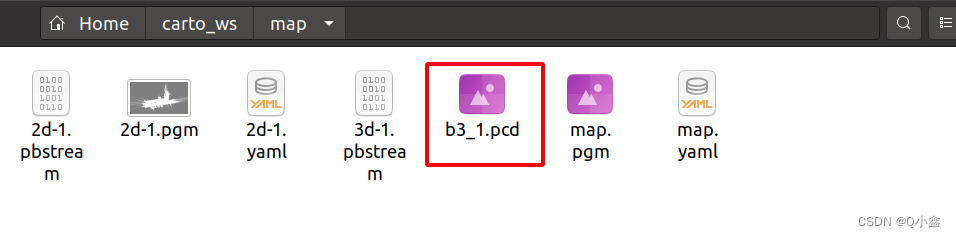
pcl_viewer b3_1.pcd 安装:
sudo apt install pcl-tools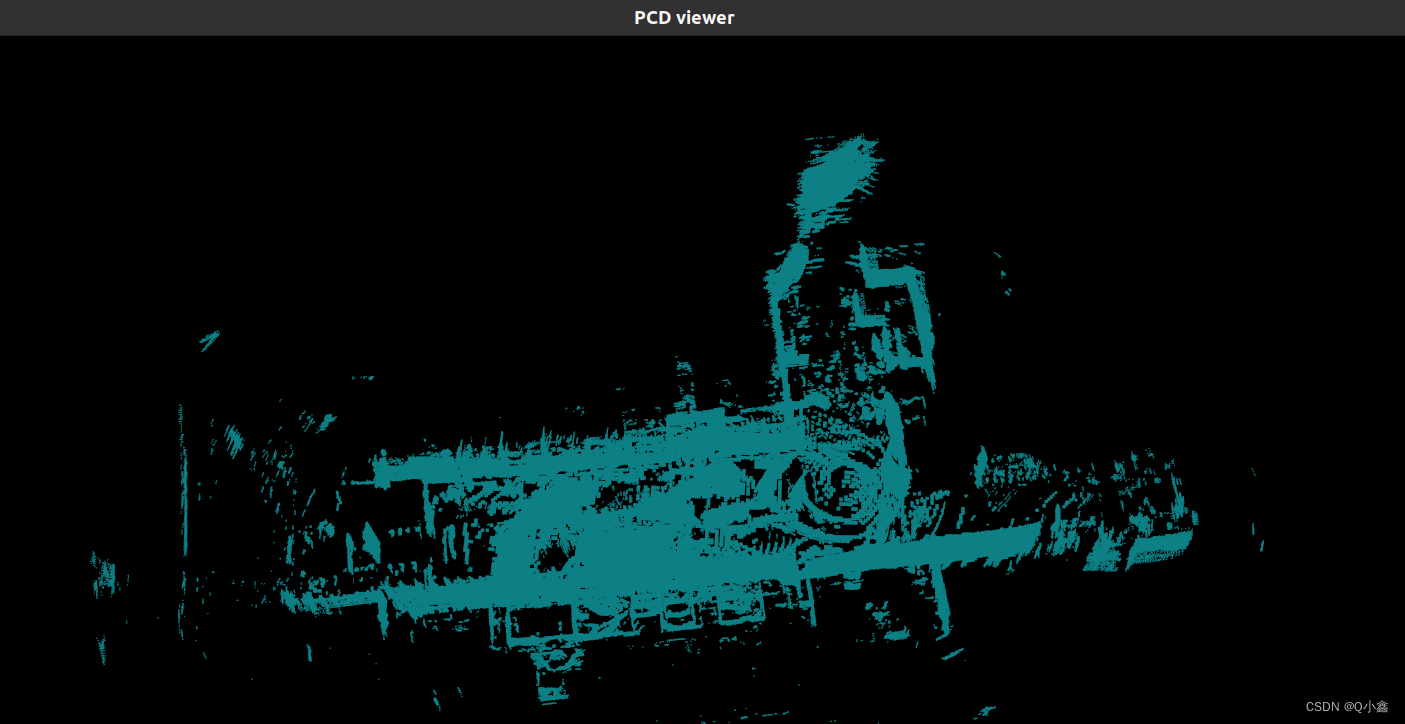
按4,可以实现点云通过不同高度赋予颜色
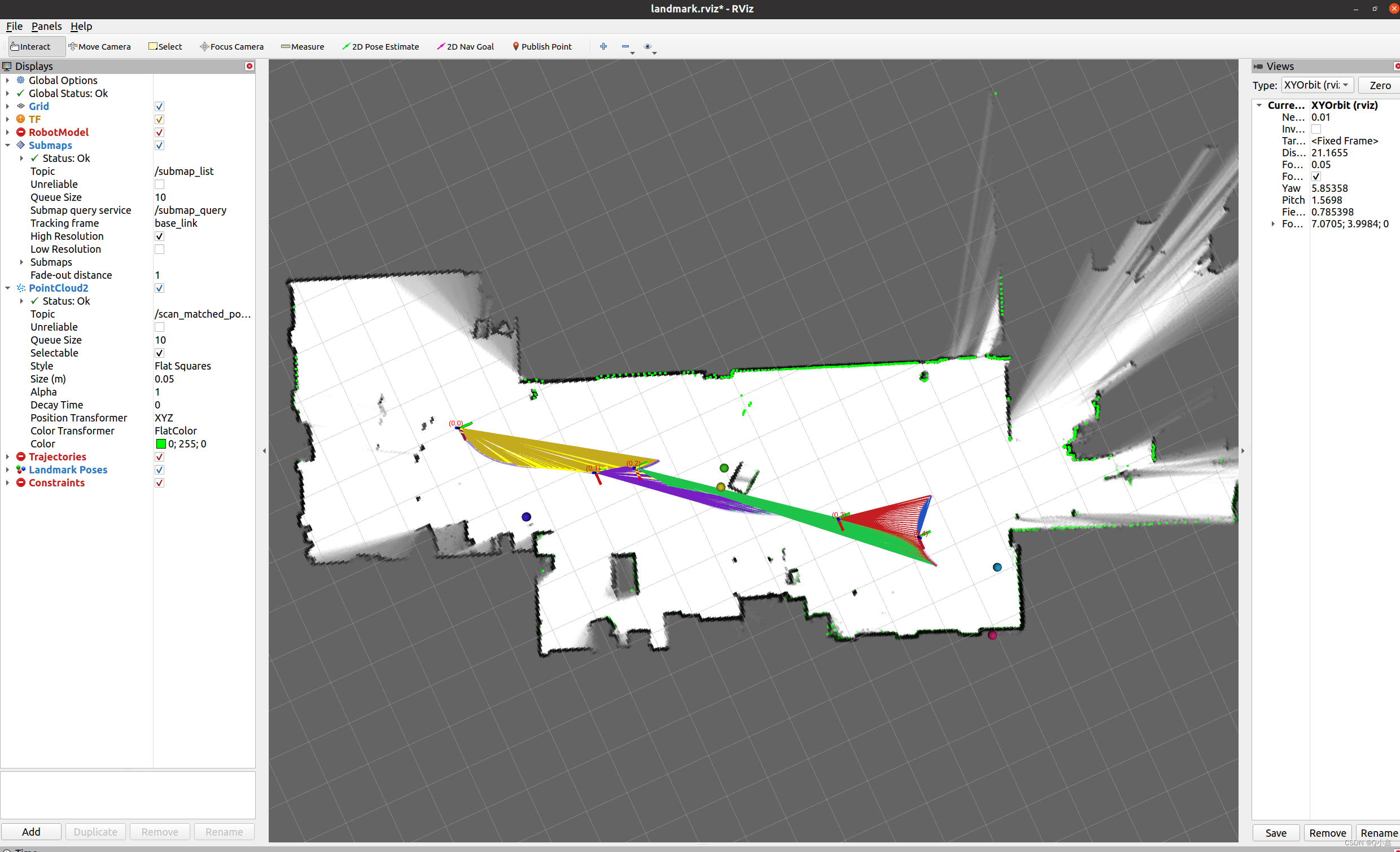
roslaunch cartographer_ros landmark_mir_100.launch
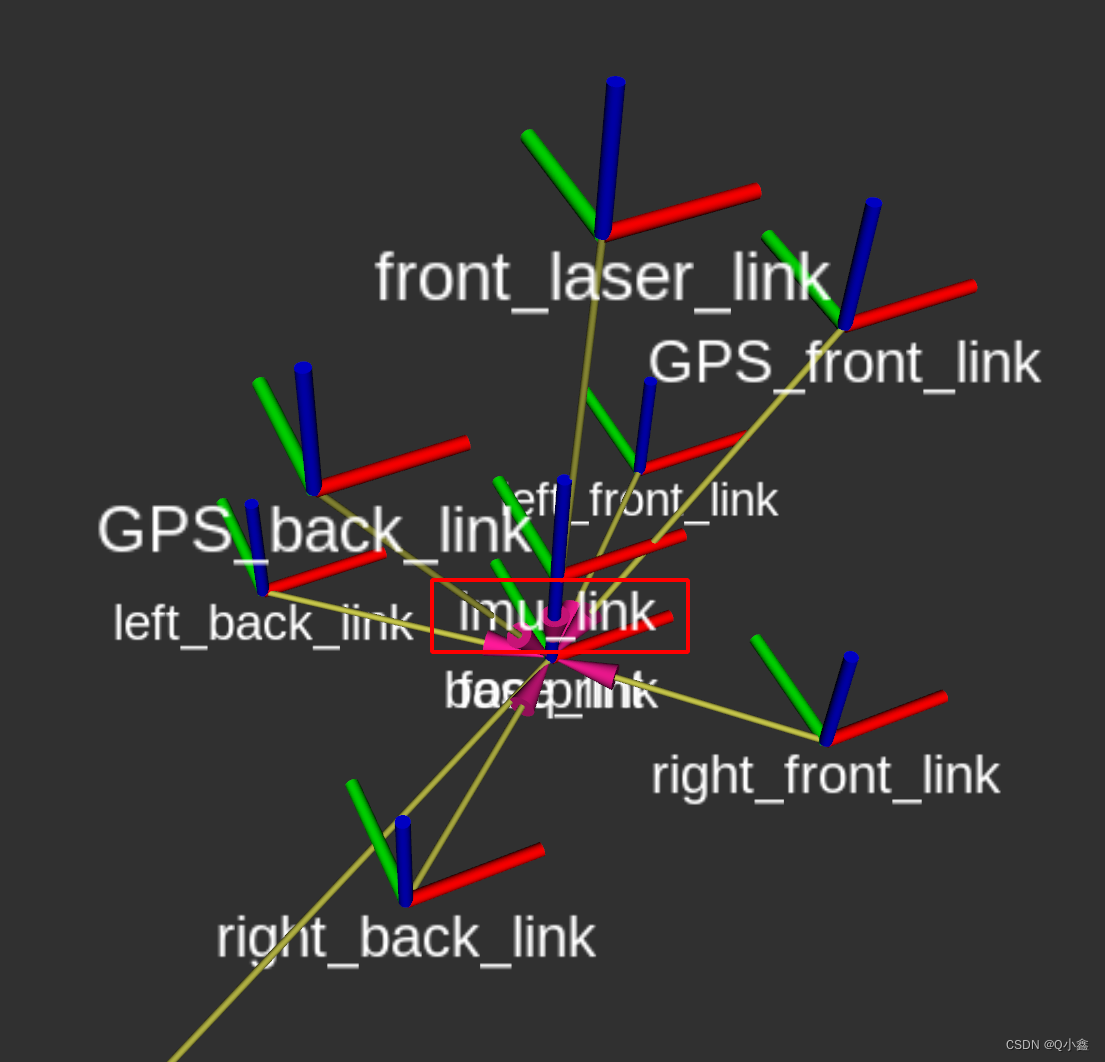
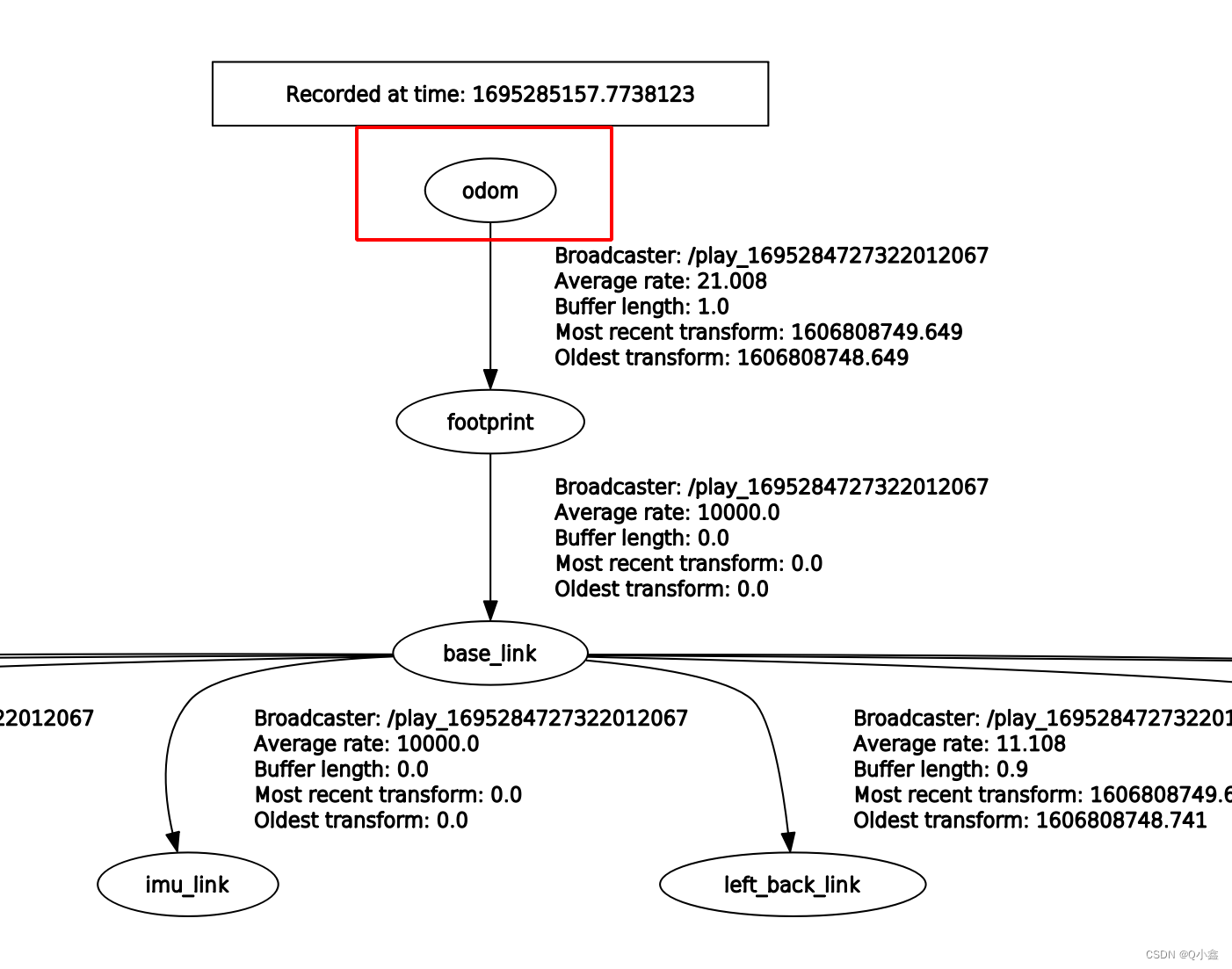
lua文件:
-- Copyright 2016 The Cartographer Authors---- Licensed under the Apache License, Version 2.0 (the "License");-- you may not use this file except in compliance with the License.-- You may obtain a copy of the License at---- http://www.apache.org/licenses/LICENSE-2.0---- Unless required by applicable law or agreed to in writing, software-- distributed under the License is distributed on an "AS IS" BASIS,-- WITHOUT WARRANTIES OR CONDITIONS OF ANY KIND, either express or implied.-- See the License for the specific language governing permissions and-- limitations under the License. include "map_builder.lua"include "trajectory_builder.lua" options = { map_builder = MAP_BUILDER, -- map_builder.lua的配置信息 trajectory_builder = TRAJECTORY_BUILDER, -- trajectory_builder.lua的配置信息 map_frame = "map", -- 地图坐标系的名字 tracking_frame = "imu_link", -- 将所有传感器数据转换到这个坐标系下 published_frame = "odom", -- tf: map -> odom odom_frame = "odom", -- 里程计的坐标系名字 provide_odom_frame = false, -- 是否提供odom的tf, 如果为true,则tf树为map->odom->footprint publish_frame_projected_to_2d = false, -- 是否将坐标系投影到平面上 use_pose_extrapolator = false, use_odometry = false, -- 是否使用里程计,如果使用要求一定要有odom的tf use_nav_sat = false, -- 是否使用gps /fix use_landmarks = false, -- 是否使用landmark num_laser_scans = 0, -- 是否使用单线激光数据 num_multi_echo_laser_scans = 0, -- 是否使用multi_echo_laser_scans数据 多回声波雷达 num_subdivisions_per_laser_scan = 1, -- 1帧数据被分成几次处理,一般为1 num_point_clouds = 1, -- 是否使用点云数据 lookup_transform_timeout_sec = 0.2, -- 查找tf时的超时时间 submap_publish_period_sec = 0.3, -- 发布数据的时间间隔 pose_publish_period_sec = 5e-3, trajectory_publish_period_sec = 30e-3, rangefinder_sampling_ratio = 1., -- 传感器数据的采样频率 odometry_sampling_ratio = 1., fixed_frame_pose_sampling_ratio = 1., imu_sampling_ratio = 1., landmarks_sampling_ratio = 1.,} MAP_BUILDER.use_trajectory_builder_2d = true TRAJECTORY_BUILDER_2D.use_imu_data = trueTRAJECTORY_BUILDER_2D.min_z = 0.1 -- 雷达数据z轴的最小值,低于该值过滤掉 return options
免责声明:本文系网络转载或改编,未找到原创作者,版权归原作者所有。如涉及版权,请联系删
 技术文档
技术文档
 推荐好文
推荐好文






 155-2731-8020




