




软件

产品


一、通过ArcGIS Server发布切片(此步骤略),生成的切片路径
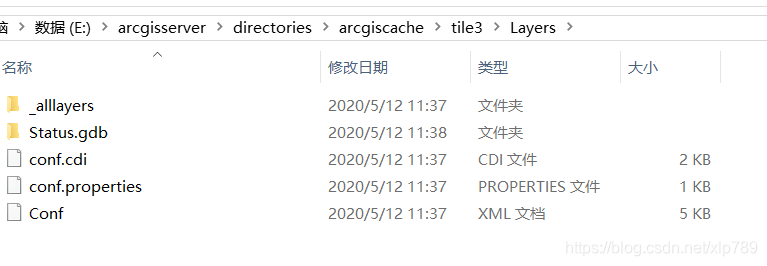
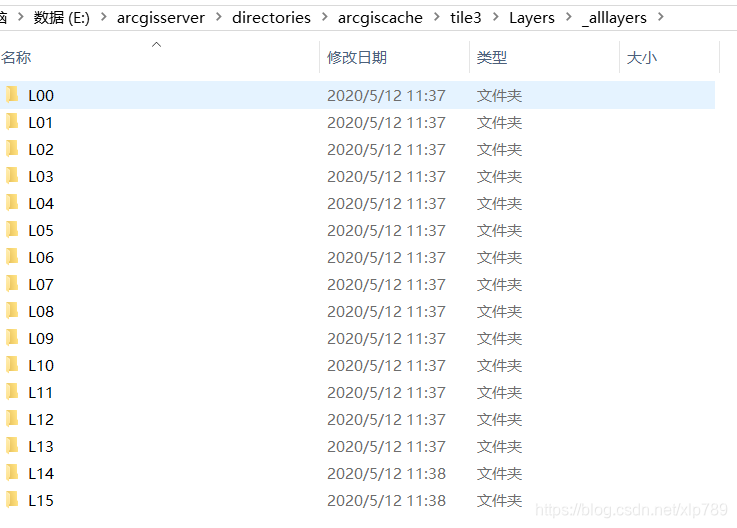
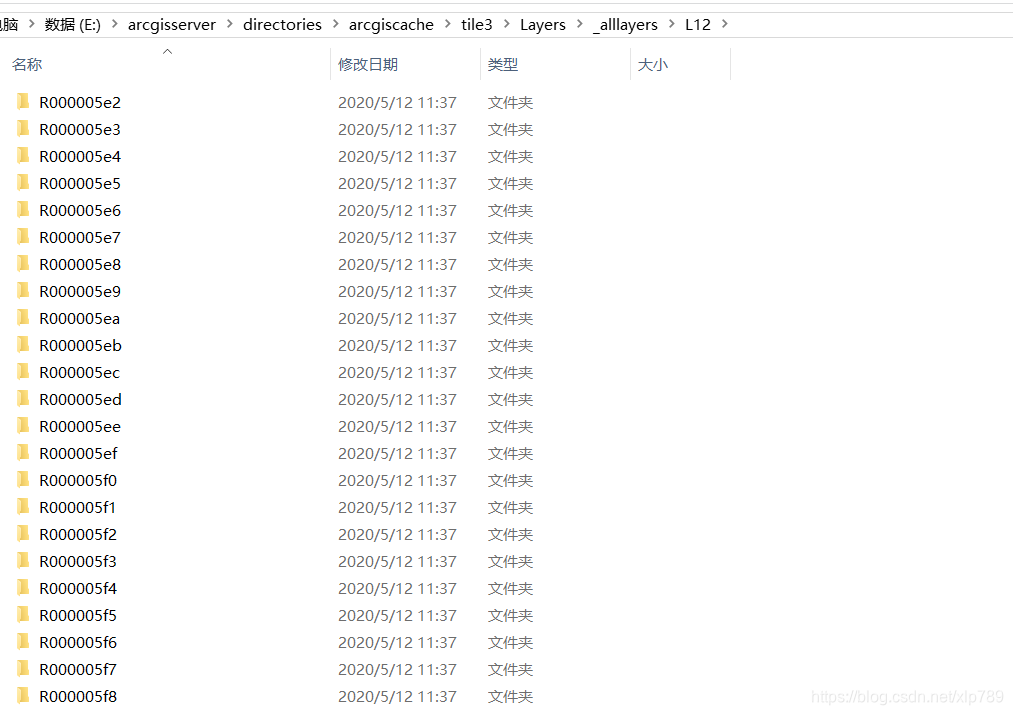
二、对离 线数据 进行调用 直接上代码,写一个js文件,封装一个自定义的切片 类 。
 define(["dojo/_base/declare",    "esri/geometry/Extent",    "esri/SpatialReference",    "esri/geometry/Point",    "esri/layers/TileInfo",    "esri/layers/TiledMapServiceLayer"], function (declare, Extent, SpatialReference, Point, TileInfo, TiledMapServiceLayer) {    return declare("customTileLayer", TiledMapServiceLayer, {        layertype: "road",//图层类型        constructor: function (args) {            this.spatialReference = new SpatialReference({                wkid: 3857            });            declare.safeMixin(this, args);            this.fullExtent = new Extent(13640980.459253557, 5083546.3075853717, 13775329.574925782, 5294633.0254636044, this.spatialReference);            this.initialExtent = this.fullExtent;            this.tileInfo = new TileInfo({                "cols": 256,                "rows": 256,                "compressionQuality": 0,                "origin": new Point(-20037508.342787, 20037508.342787, this.spatialReference),                "spatialReference": this.spatialReference,                "lods": [{                    "level": 0,                    "resolution": 156543.033928,                    "scale": 591657527.591555                }, {                    "level": 1,                    "resolution": 78271.5169639999,                    "scale": 295828763.795777                }, {                    "level": 2,                    "resolution": 39135.7584820001,                    "scale": 147914381.897889                }, {                    "level": 3,                    "resolution": 19567.8792409999,                    "scale": 73957190.948944                }, {                    "level": 4,                    "resolution": 9783.93962049996,                    "scale": 36978595.474472                }, {                    "level": 5,                    "resolution": 4891.96981024998,                    "scale": 18489297.737236                }, {                    "level": 6,                    "resolution": 2445.98490512499,                    "scale": 9244648.868618                }, {                    "level": 7,                    "resolution": 1222.9
免责声明:本文系网络转载或改编,未找到原创作者,版权归原作者所有。如涉及版权,请联系删
 技术文档
技术文档
 推荐好文
推荐好文






 155-2731-8020




