




软件

产品


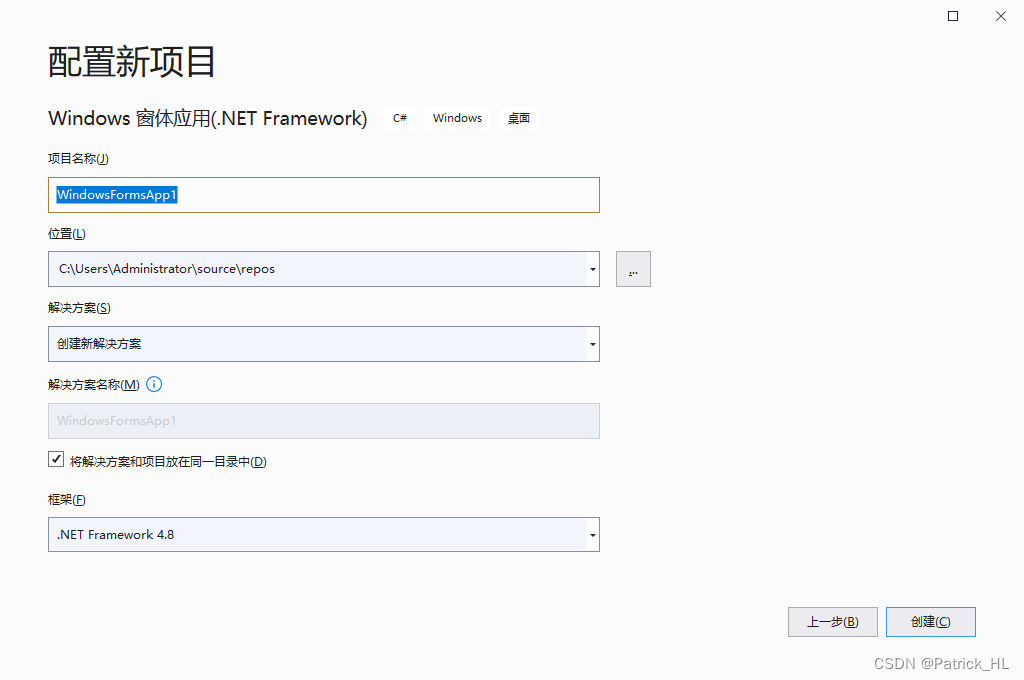
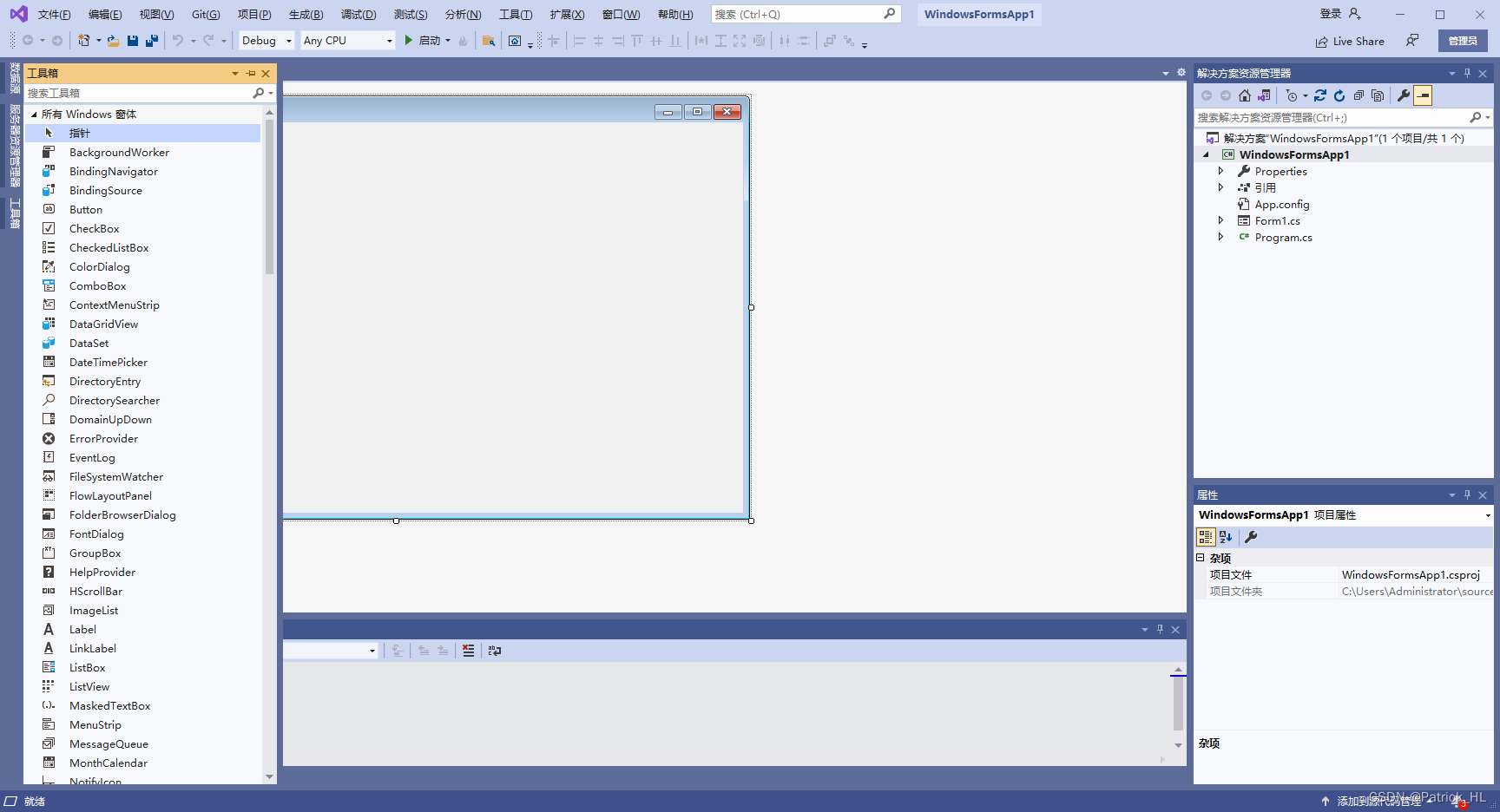
在工具箱中选择 控件
在窗口中添加控件
点击控件可以修改代码
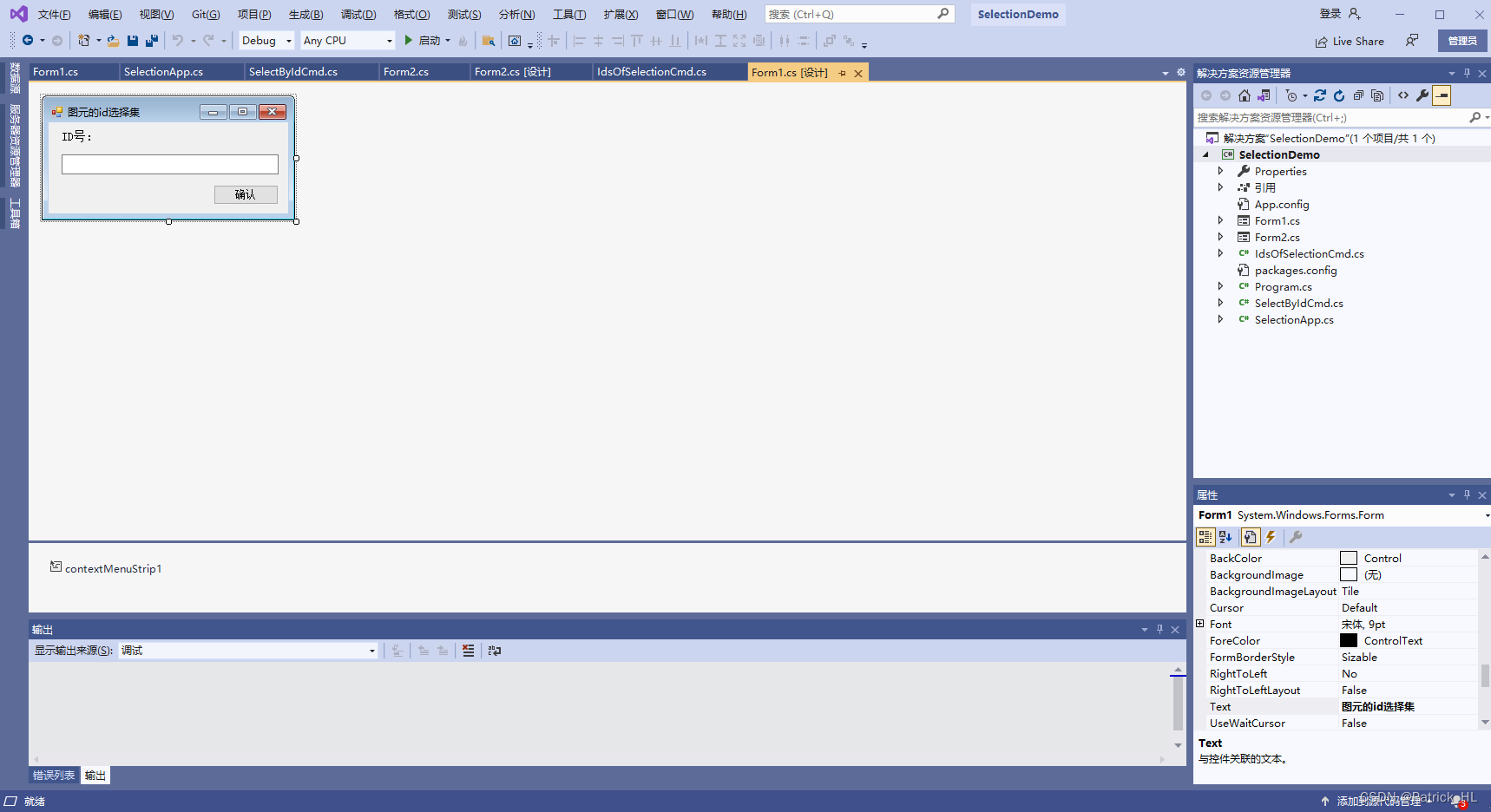
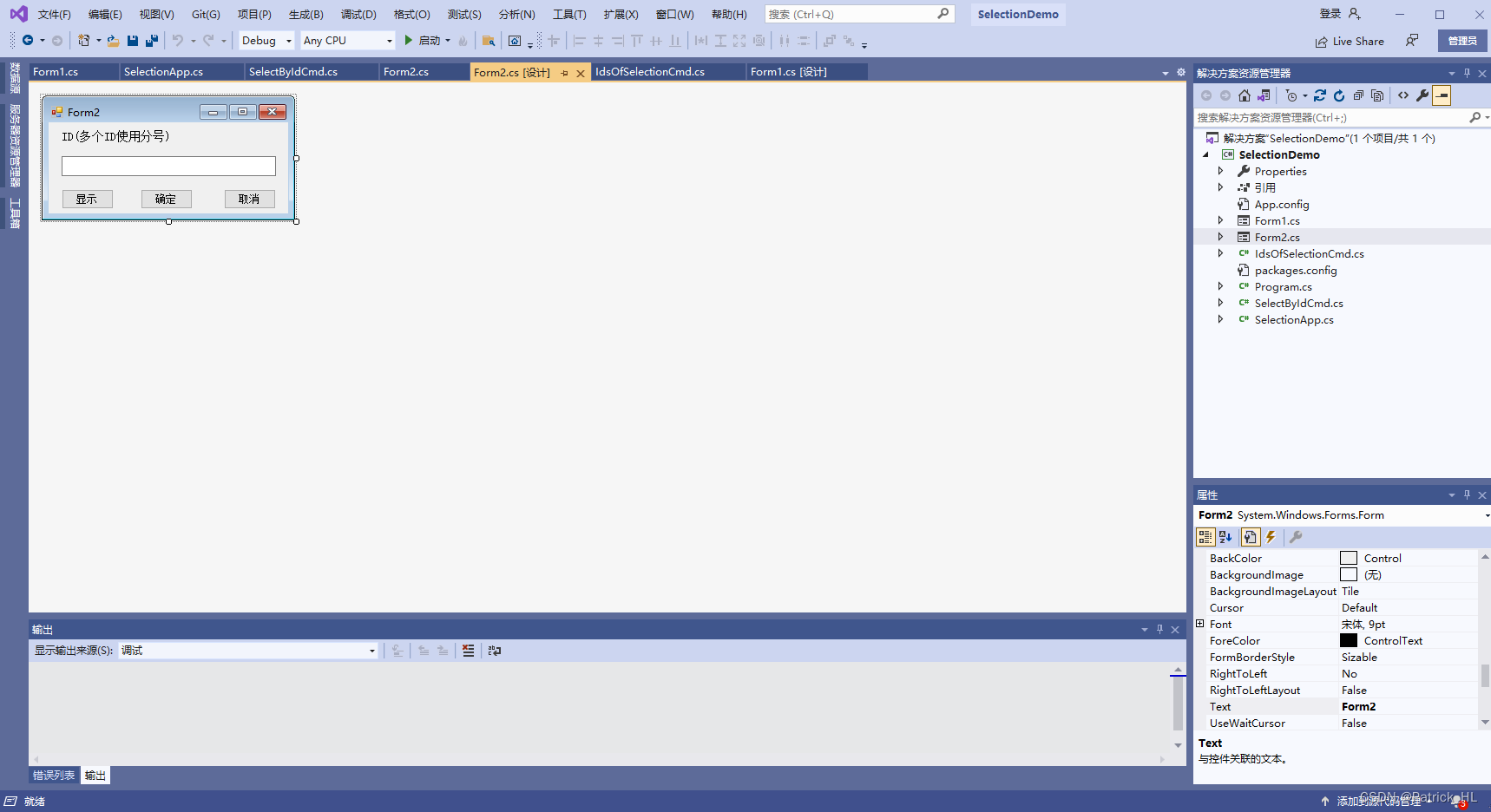
using System;
using System.Collections.Generic;
using System.ComponentModel;
using System.Data;
using System.Drawing;
using System.Linq;
using System.Text;
using System.Threading.Tasks;
using System.Windows.Forms;

namespace SelectionDemo
{


    public partial class Form1 : Form
    {


        public Form1(string idsText = "")
        {


            InitializeComponent();
            textBox1.Text = idsText;
        }

        private void label1_Click(object sender, EventArgs e)
        {


        }

        private void button1_Click(object sender, EventArgs e)
        {


            this.DialogResult = DialogResult.OK;
            this.Close();
        }
    }
}
using System;
using System.Collections.Generic;
using System.ComponentModel;
using System.Data;
using System.Drawing;
using System.Linq;
using System.Text;
using System.Threading.Tasks;
using System.Windows.Forms;
using Form = System.Windows.Forms.Form;

using Autodesk.Revit.DB;
using Autodesk.Revit.UI;
using Autodesk.Revit.UI.Selection;

namespace SelectionDemo
{


    public partial class Form2 :
免责声明:本文系网络转载或改编,未找到原创作者,版权归原作者所有。如涉及版权,请联系删
 技术文档
技术文档
 推荐好文
推荐好文






 155-2731-8020




