



软件

产品


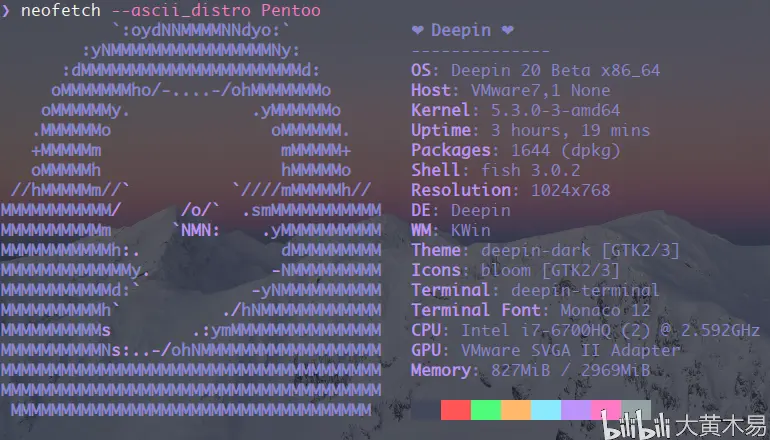
neofetch --ascii_distro Pentoo
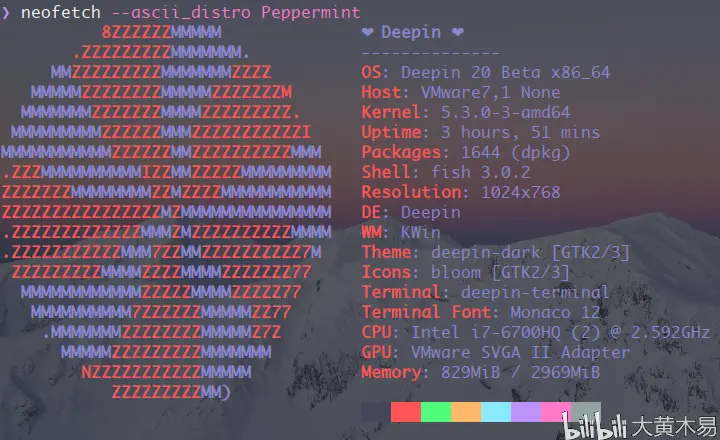
neofetch --ascii_distro Peppermint
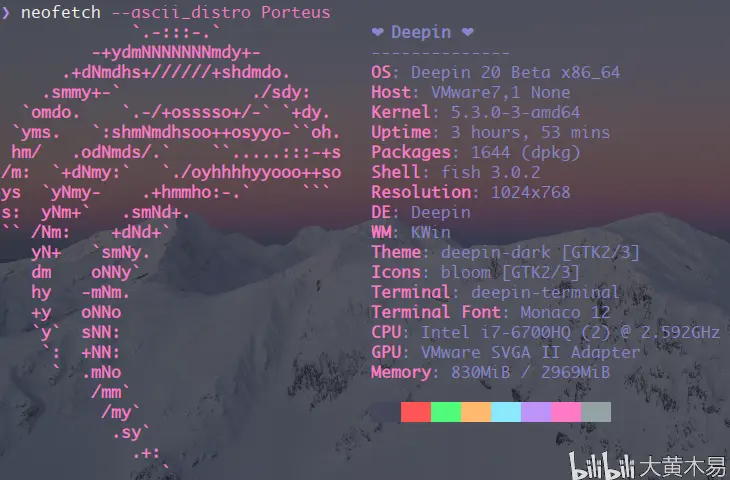
neofetch --ascii_distro Porteus
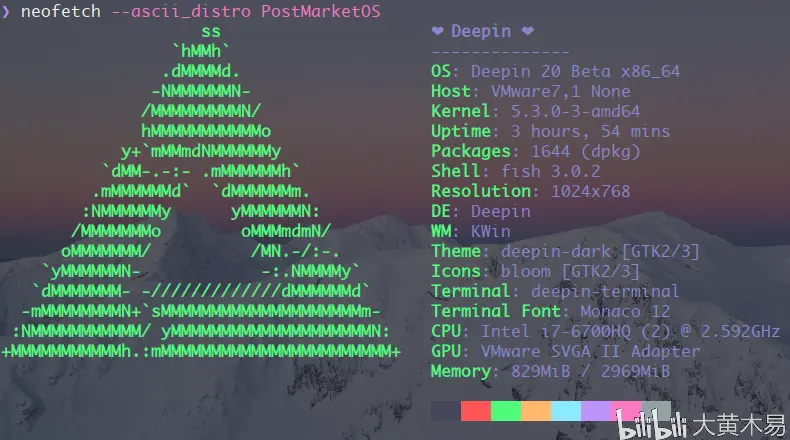
neofetch --ascii_distro PostMarketOS
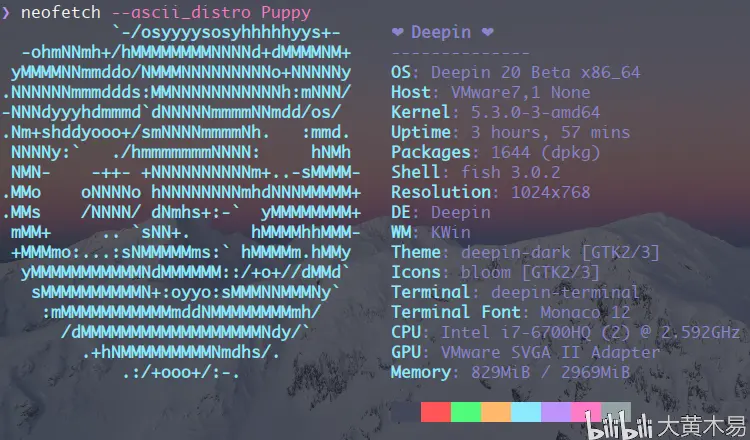
neofetch --ascii_distro Puppy
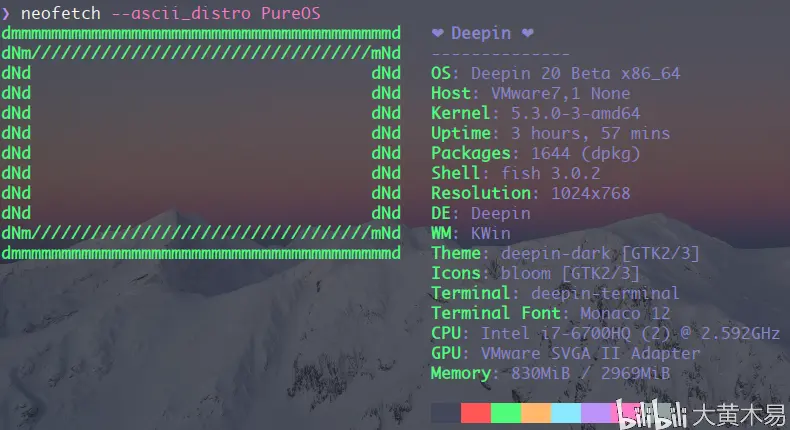
neofetch --ascii_distro PureOS
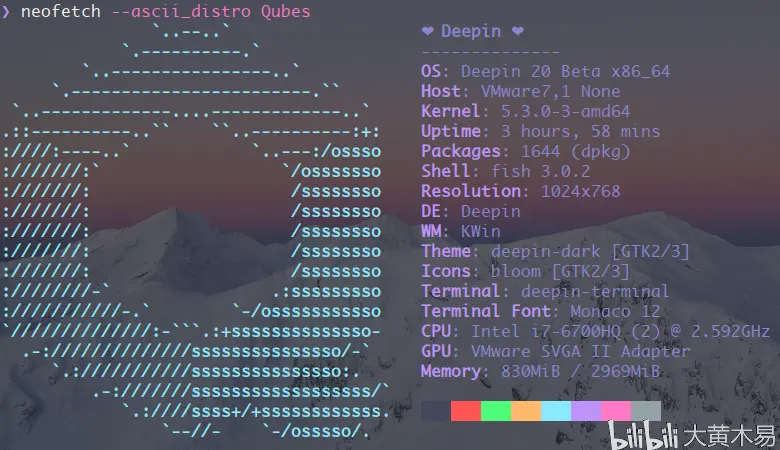
neofetch --ascii_distro Qubes
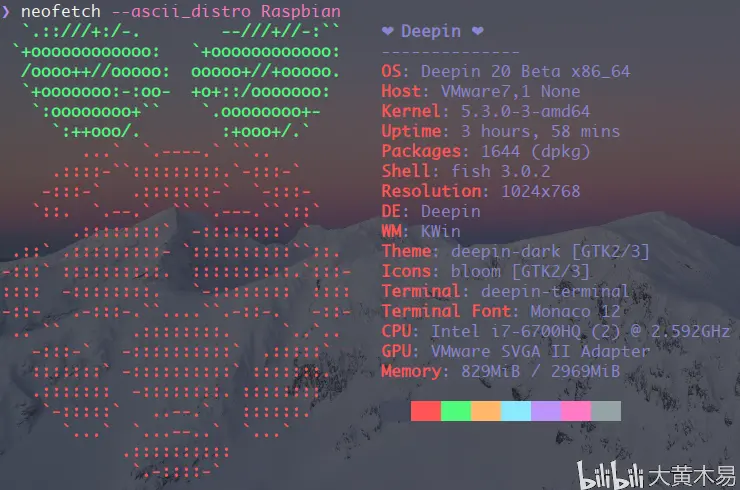
neofetch --ascii_distro Raspbian
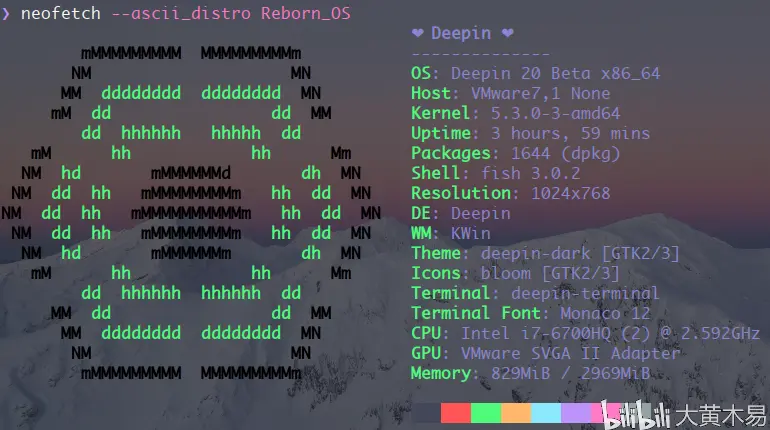
neofetch --ascii_distro Reborn_OS
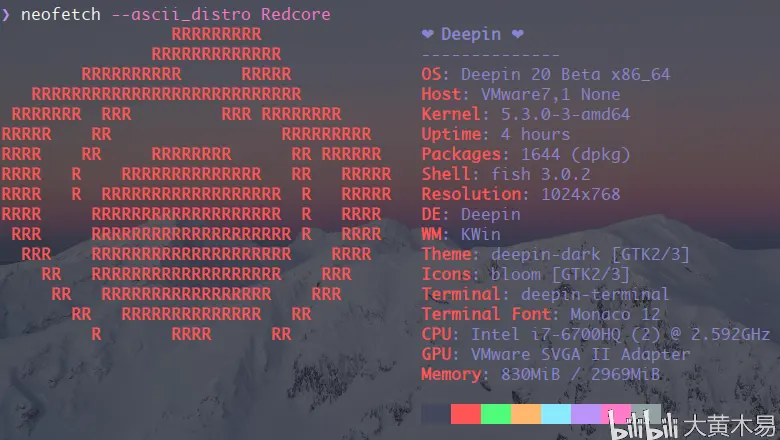
neofetch --ascii_distro Redcore
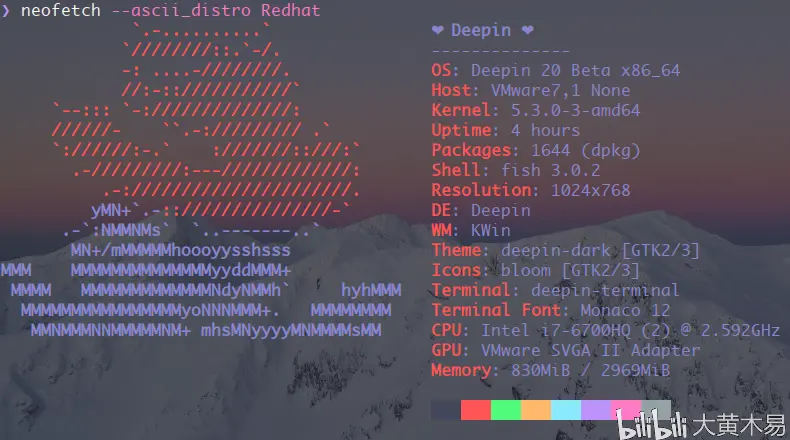
neofetch --ascii_distro Redhat
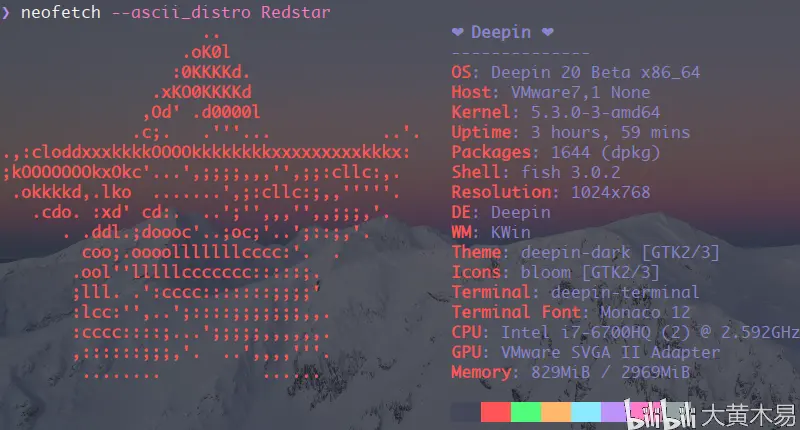
neofetch --ascii_distro Redstar
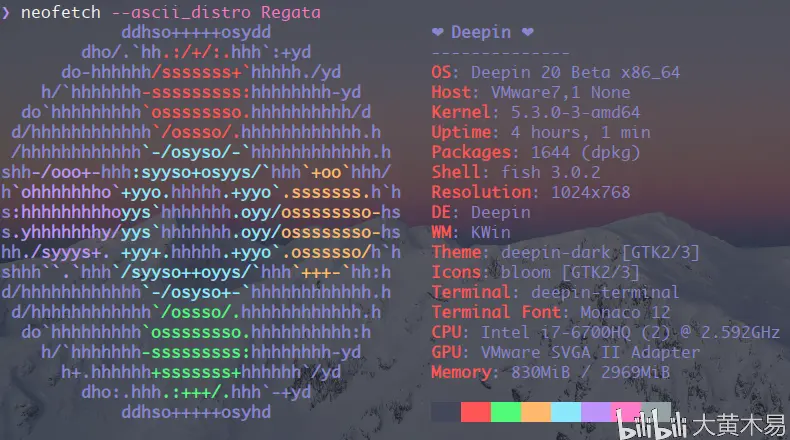
neofetch --ascii_distro Regata
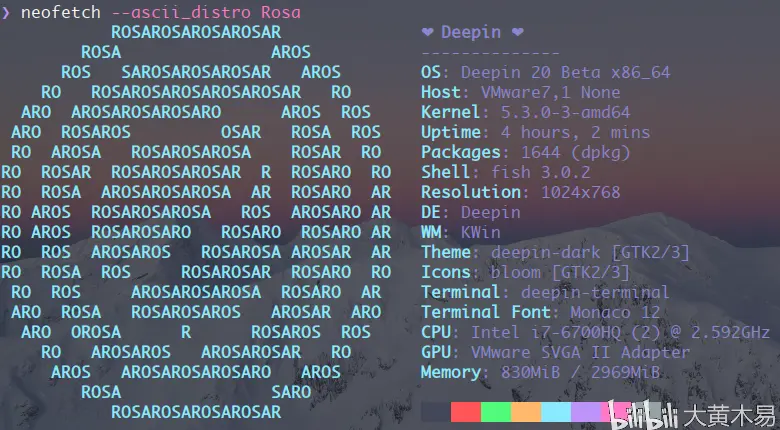
neofetch --ascii_distro Rosa
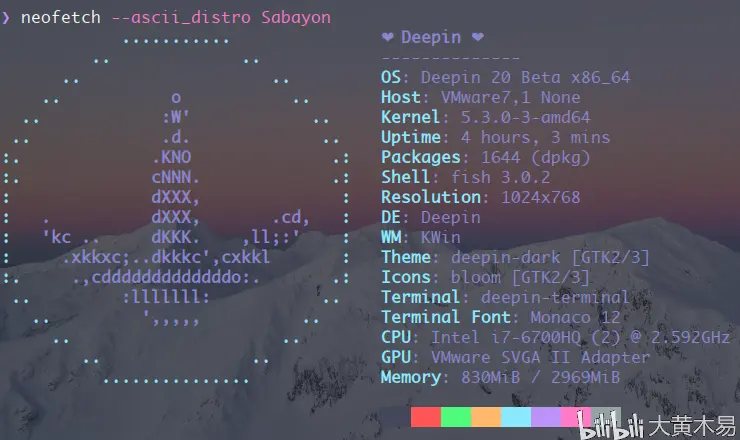
neofetch --ascii_distro Sabayon
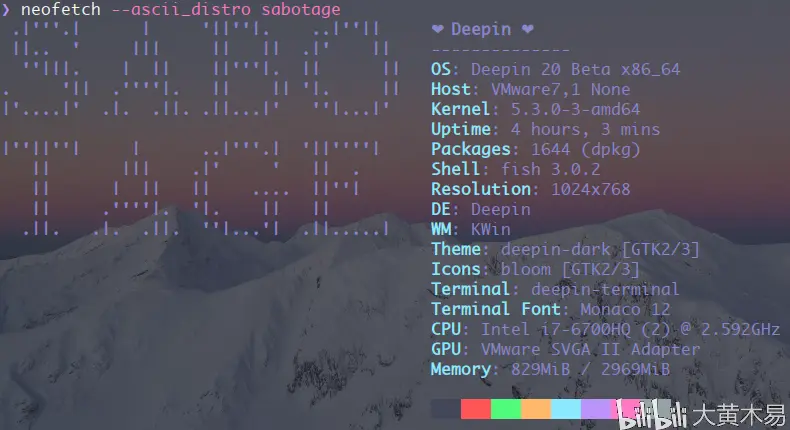
neofetch --ascii_distro sabotage
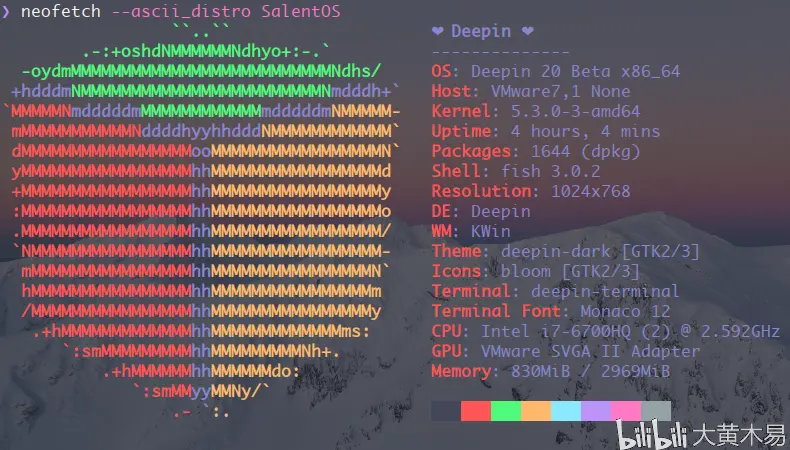
neofetch --ascii_distro SalentOS
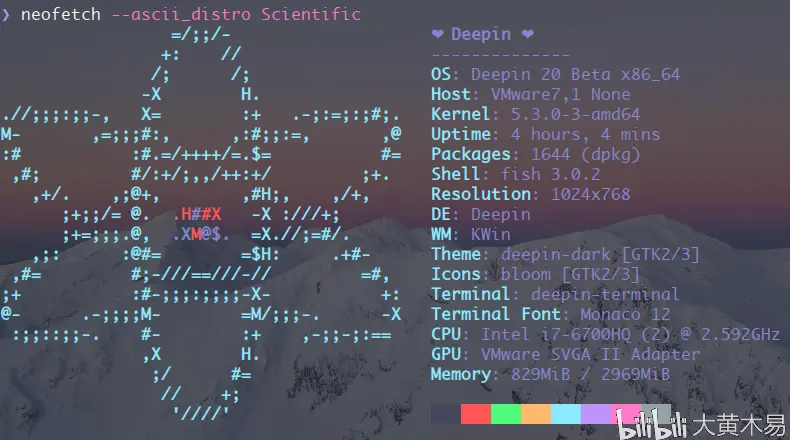
neofetch --ascii_distro Scientific
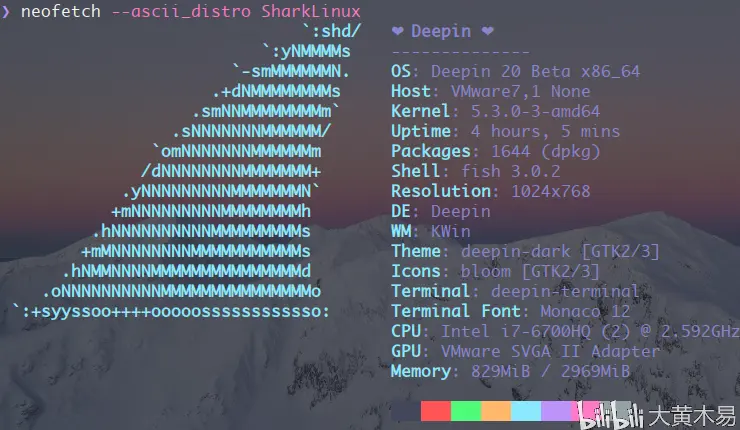
neofetch --ascii_distro SharkLinux
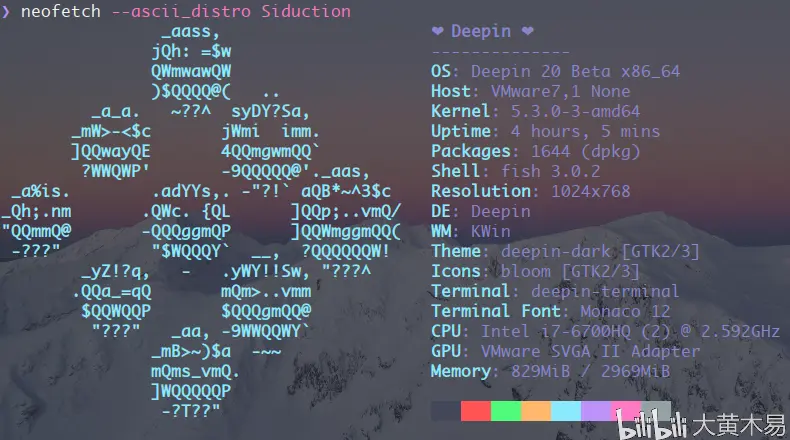
neofetch --ascii_distro Siduction
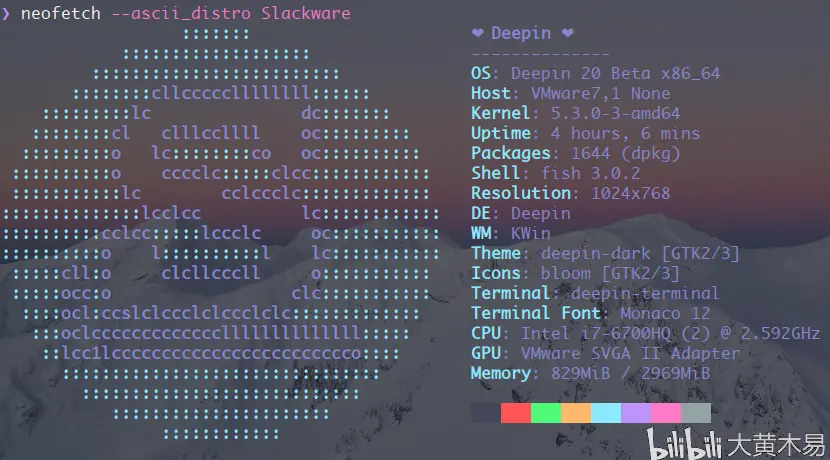
neofetch --ascii_distro Slackware
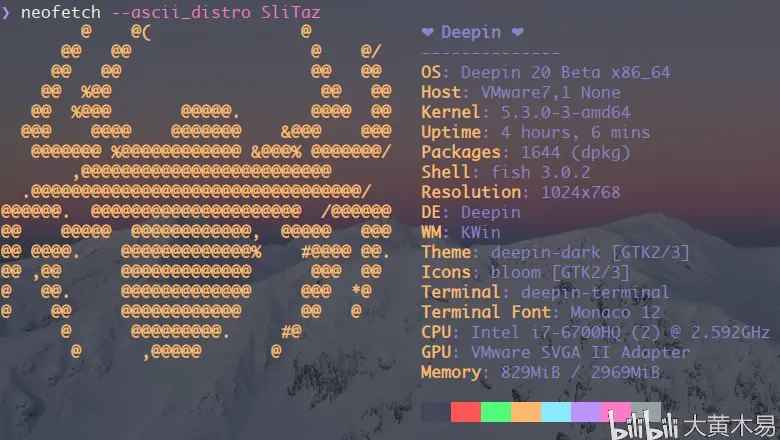
neofetch --ascii_distro SliTaz
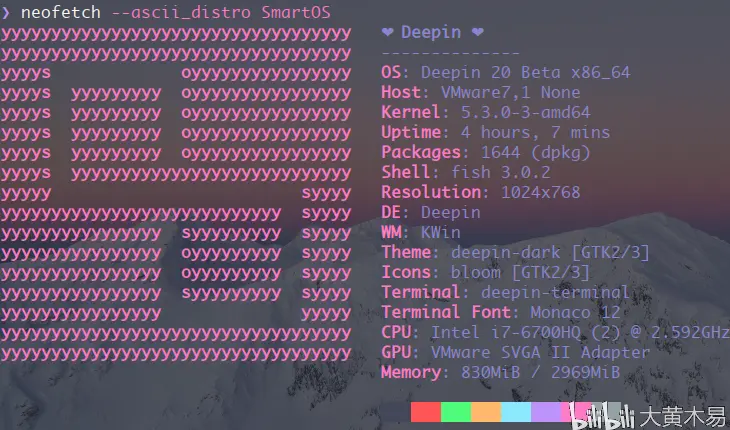
neofetch --ascii_distro SmartOS
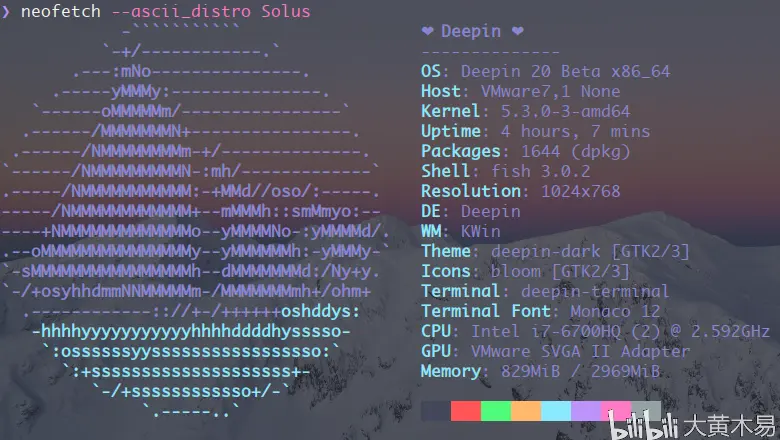
neofetch --ascii_distro Solus
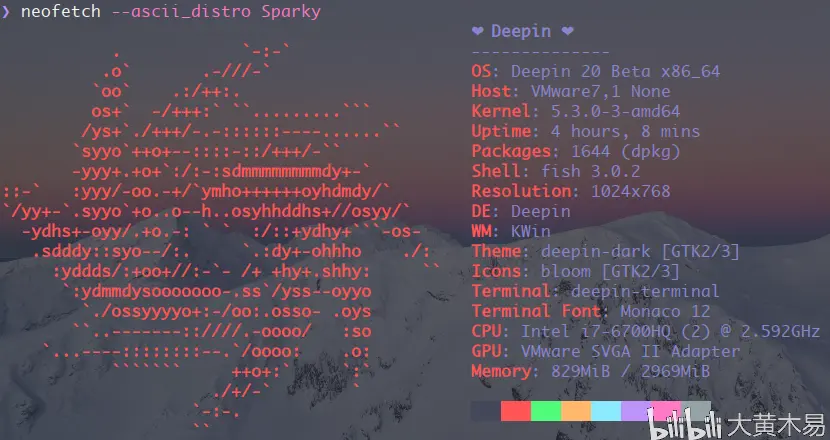
neofetch --ascii_distro Sparky
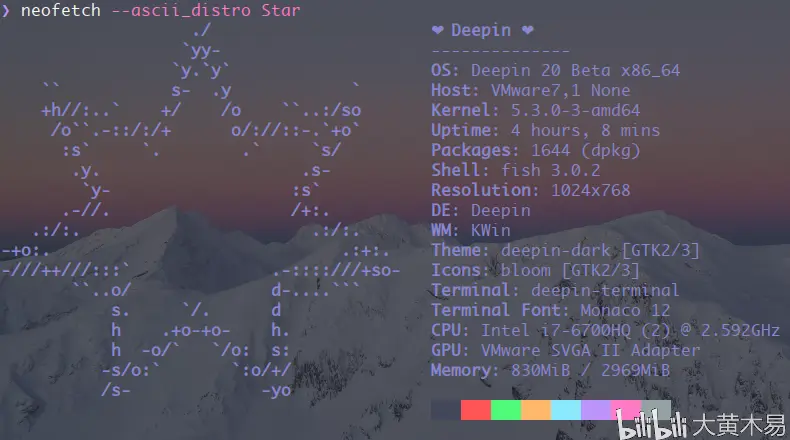
neofetch --ascii_distro Star
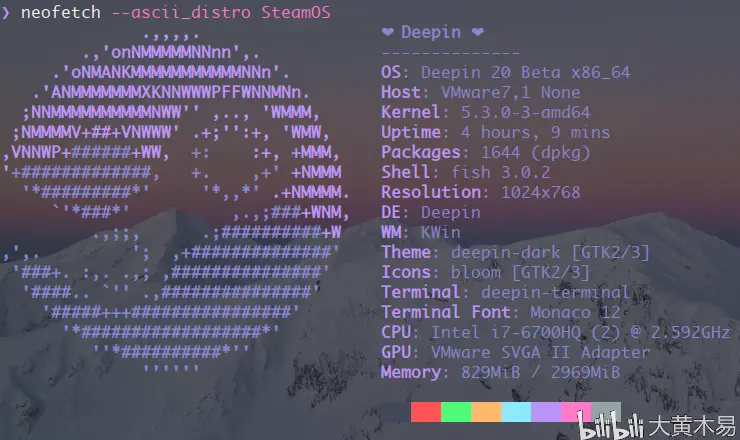
neofetch --ascii_distro SteamOS
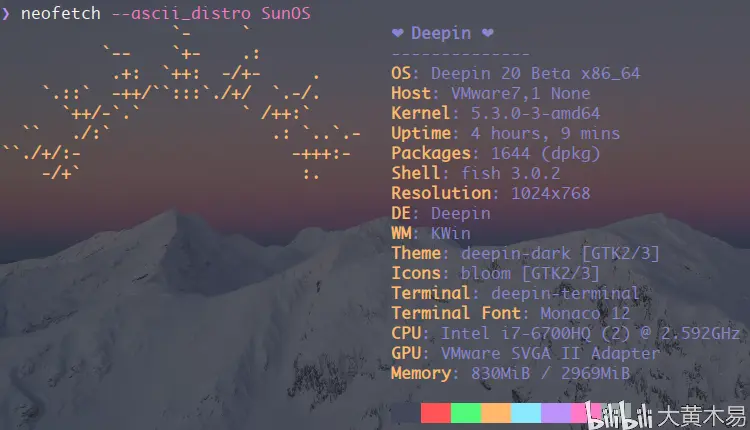
neofetch --ascii_distro SunOS
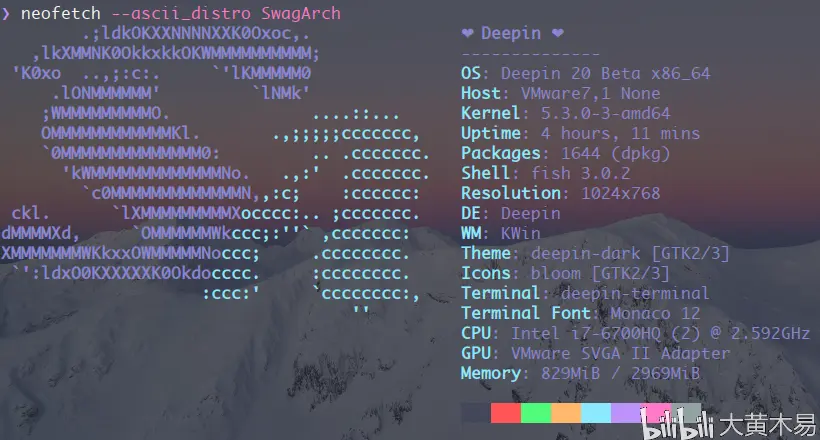
neofetch --ascii_distro SwagArch
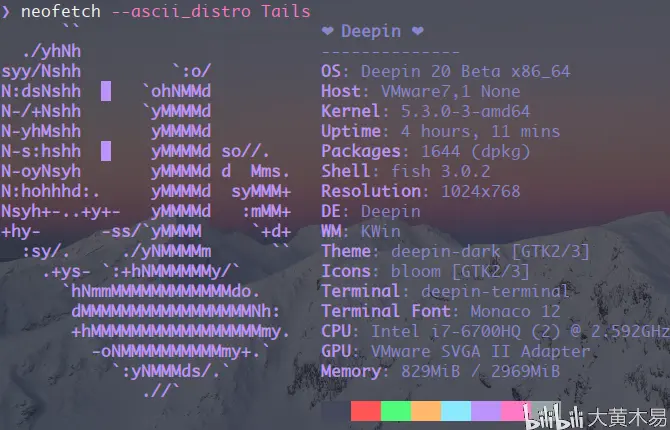
neofetch --ascii_distro Tails
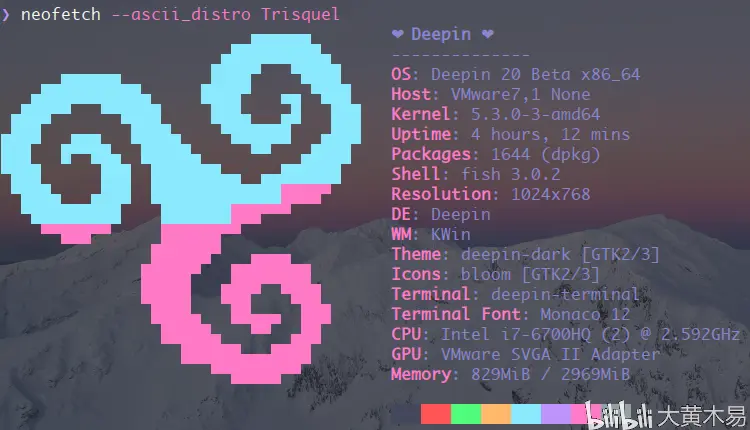
neofetch --ascii_distro Trisquel
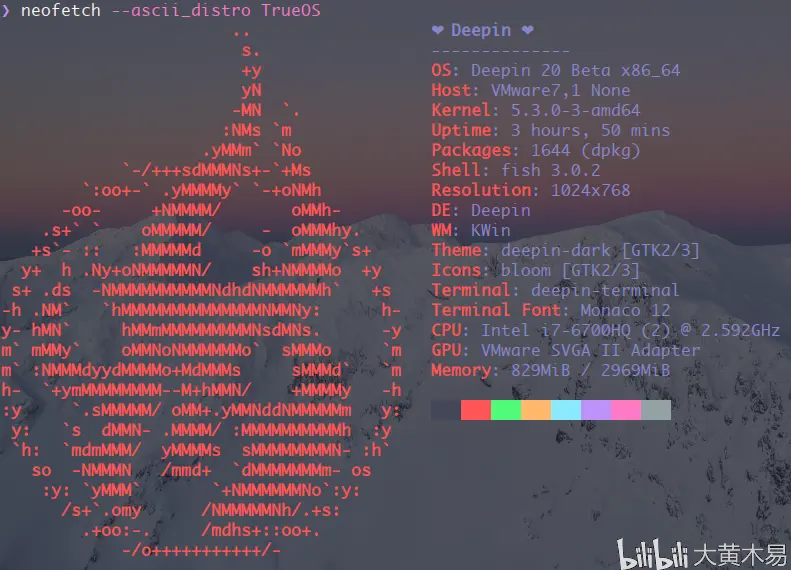
neofetch --ascii_distro TrueOS
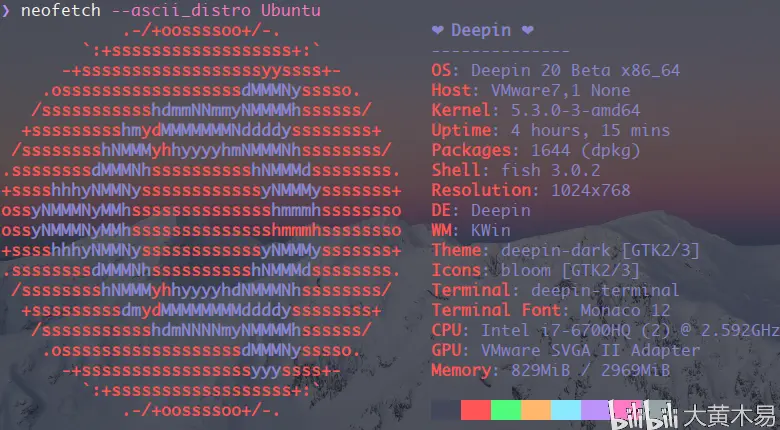
neofetch --ascii_distro Ubuntu
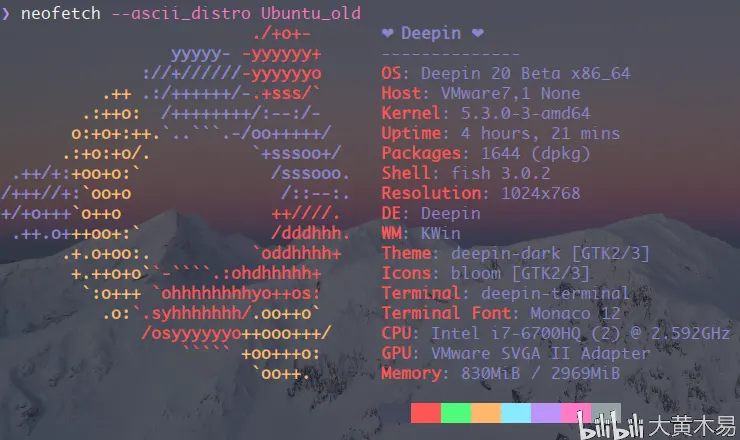
neofetch --ascii_distro Ubuntu_old
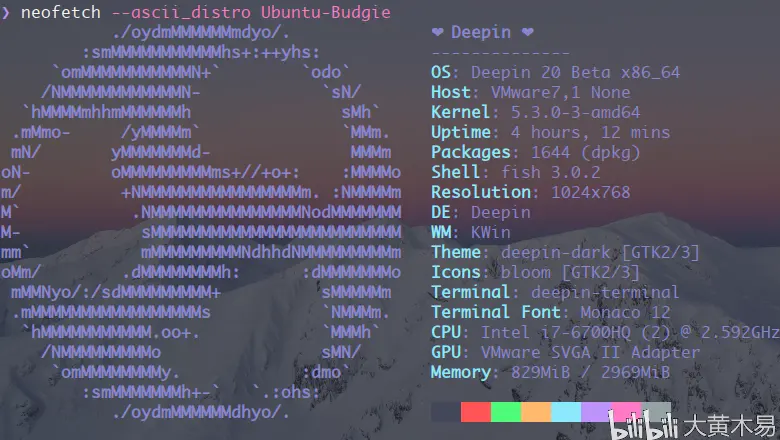
neofetch --ascii_distro Ubuntu-Budgie
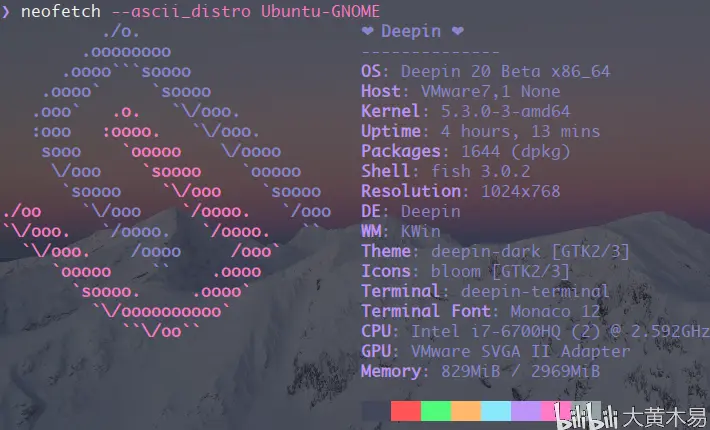
neofetch --ascii_distro Ubuntu-GNOME
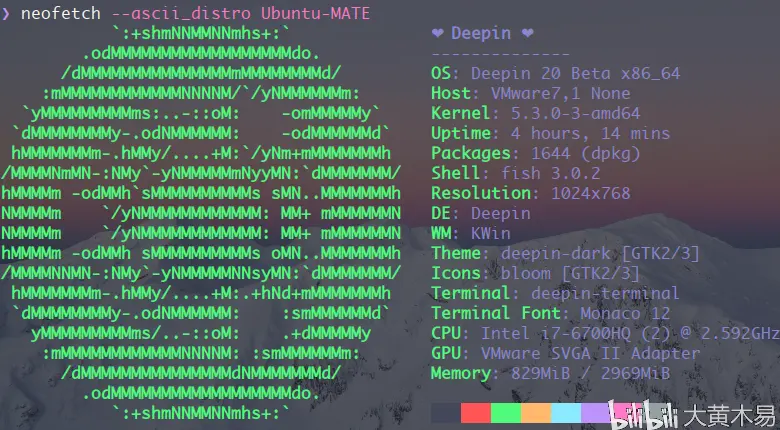
neofetch --ascii_distro Ubuntu-MATE
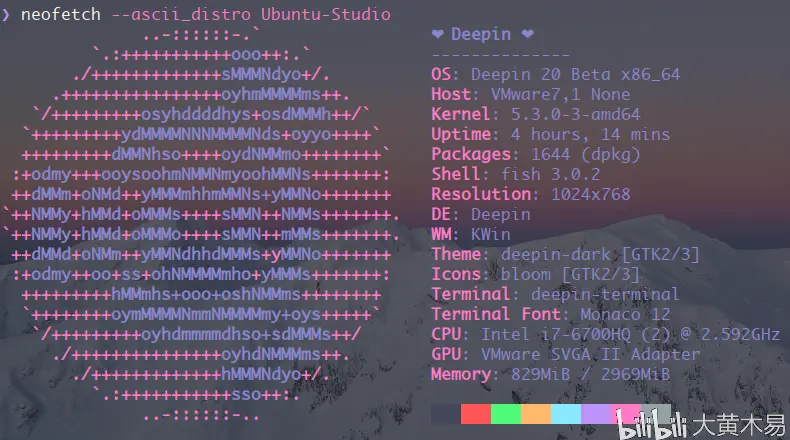
neofetch --ascii_distro Ubuntu-Studio
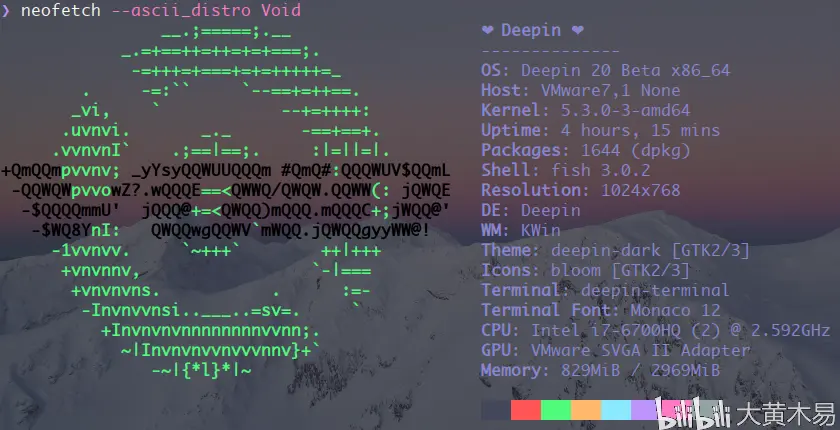
neofetch --ascii_distro Void
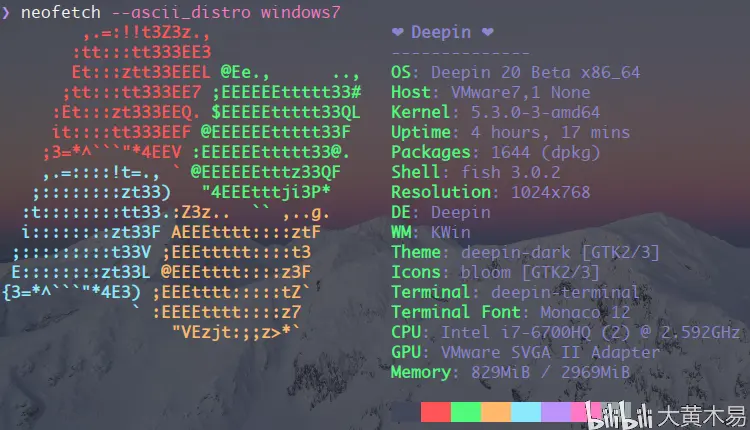
neofetch --ascii_distro windows7
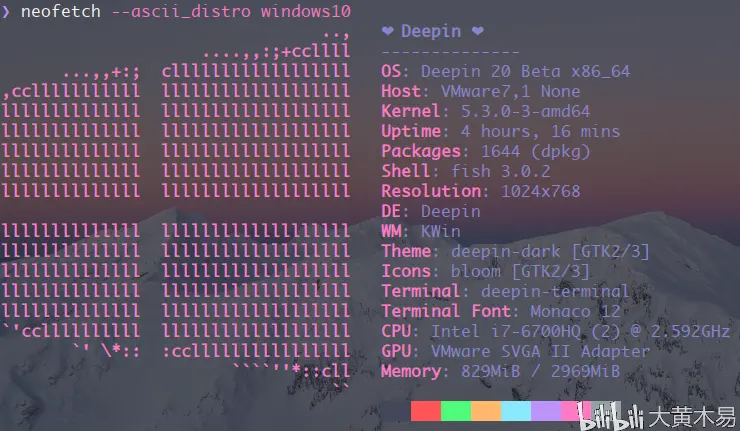
neofetch --ascii_distro windows10
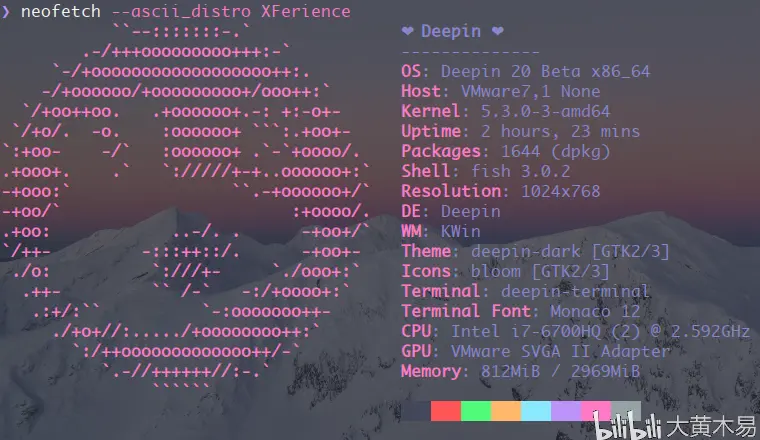
neofetch --ascii_distro XFerience
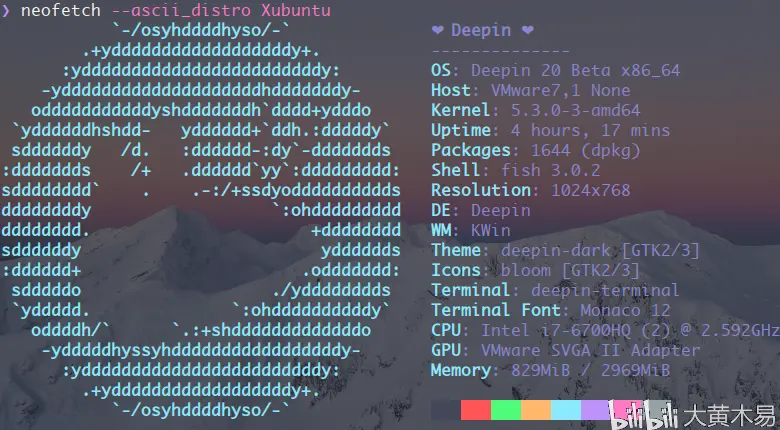
neofetch --ascii_distro Xubuntu
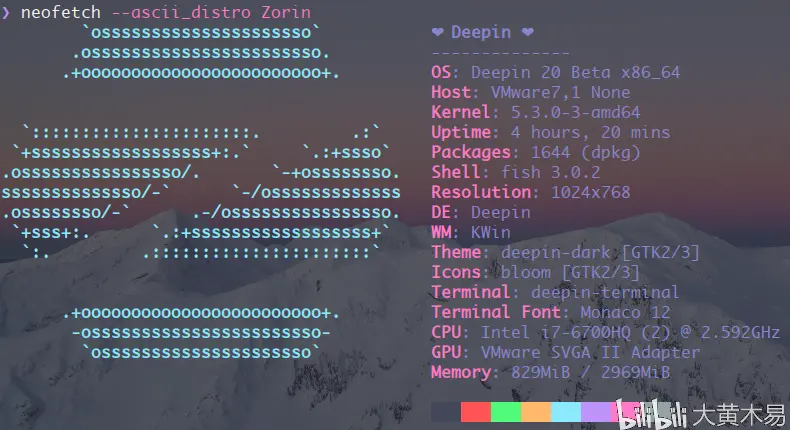
neofetch --ascii_distro Zorin
以下需要安装/升级到 neofetch 7.0.0 或更高版本才能正常运行/显示。
在 Deepin 20 中升级到 neofetch 7.0.0 版本方法如下:
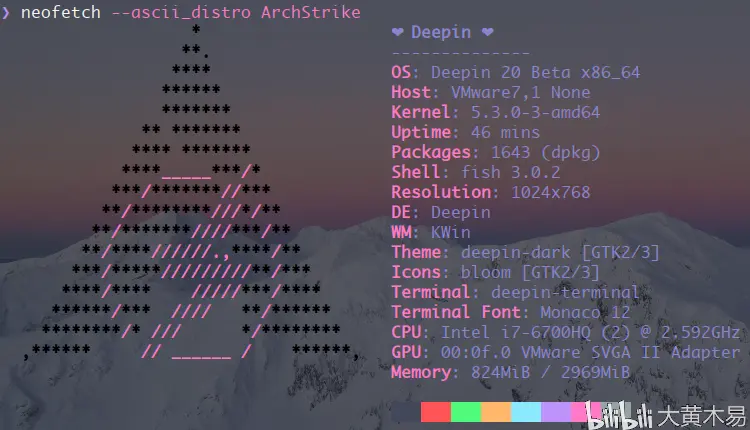
neofetch --ascii_distro ArchStrike
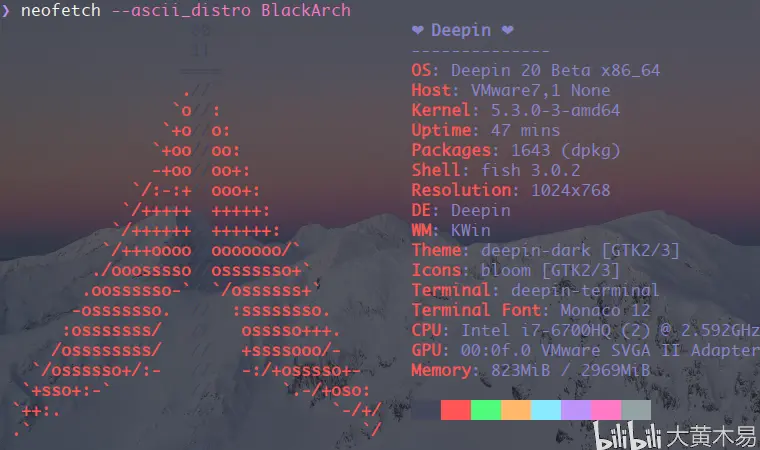
neofetch --ascii_distro BlackArch
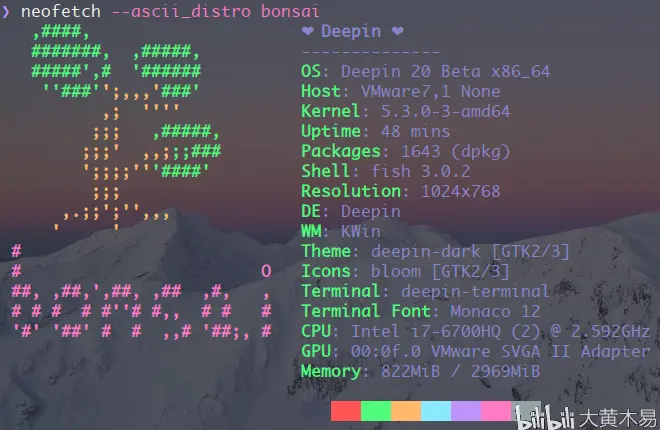
neofetch --ascii_distro bonsai
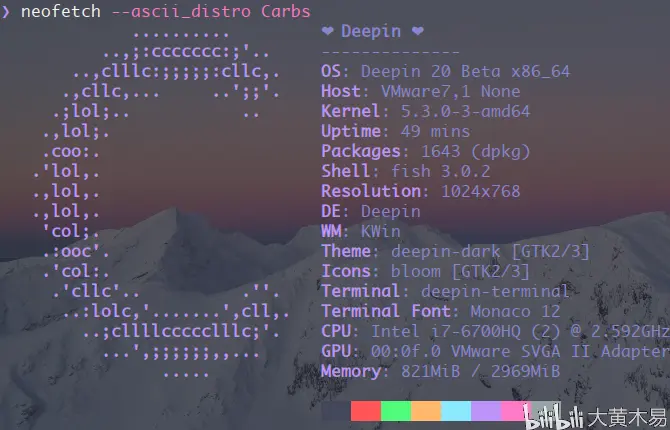
neofetch --ascii_distro Carbs
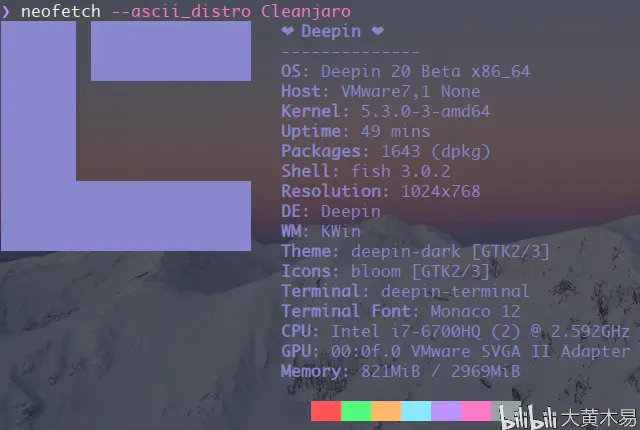
neofetch --ascii_distro Cleanjaro
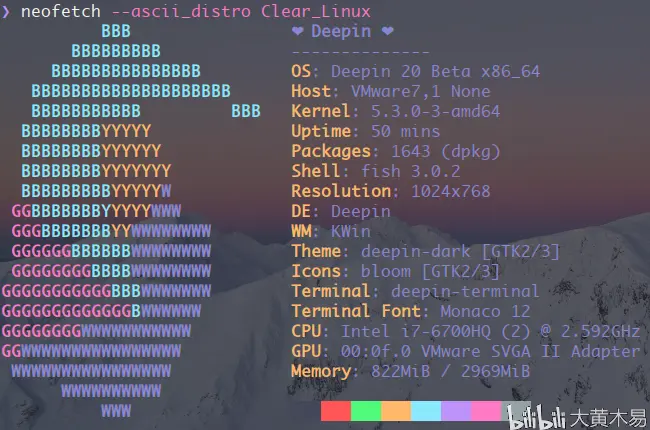
neofetch --ascii_distro Clear_Linux
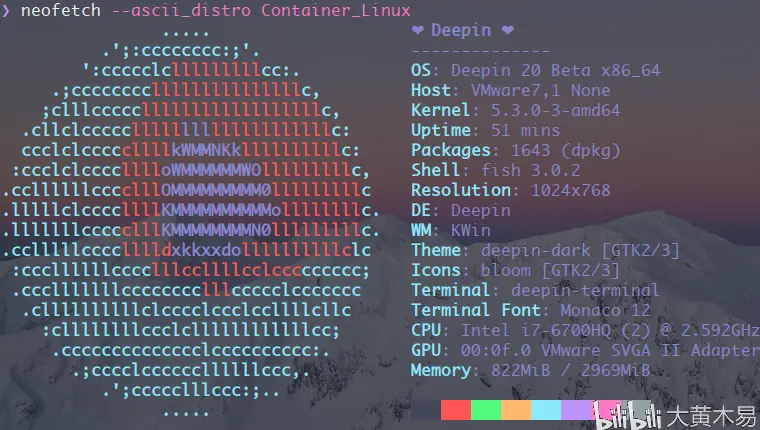
neofetch --ascii_distro Container_Linux
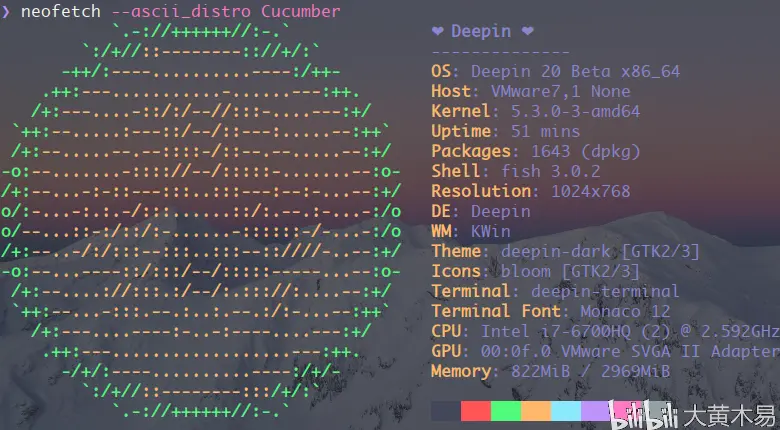
neofetch --ascii_distro Cucumber
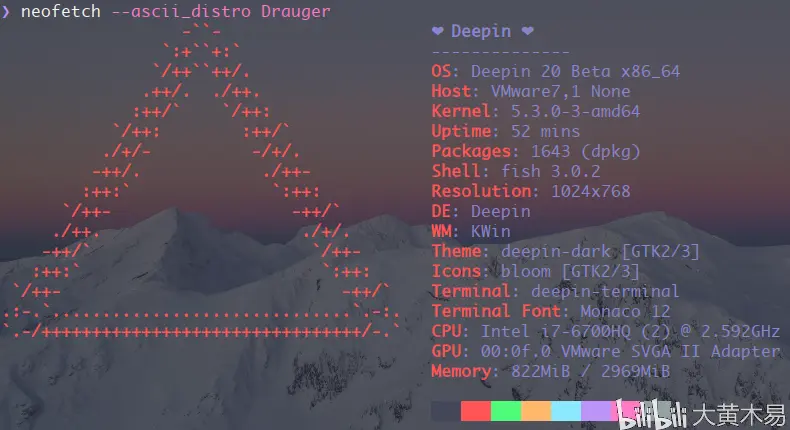
neofetch --ascii_distro Drauger
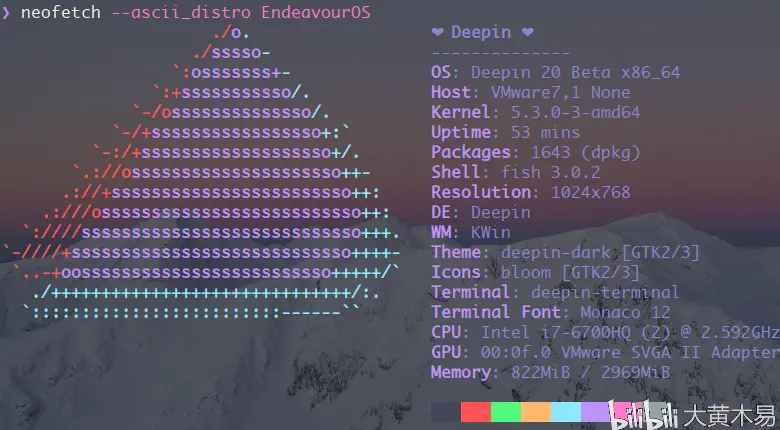
neofetch --ascii_distro EndeavourOS
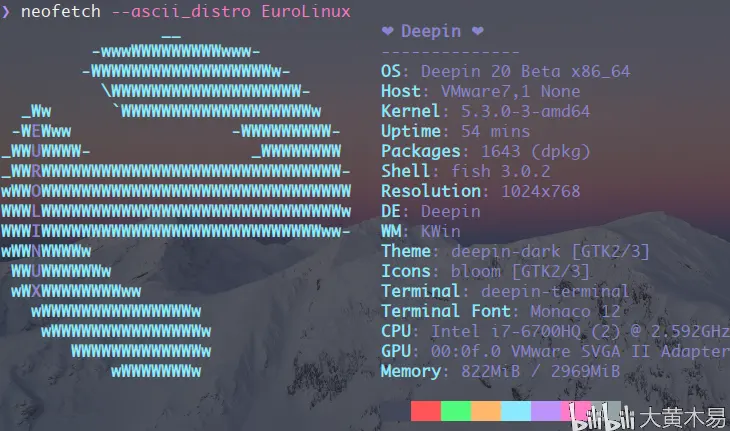
neofetch --ascii_distro EuroLinux
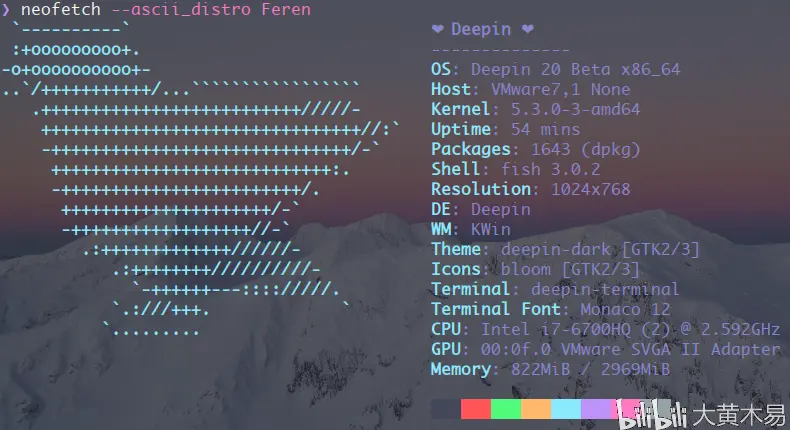
neofetch --ascii_distro Feren
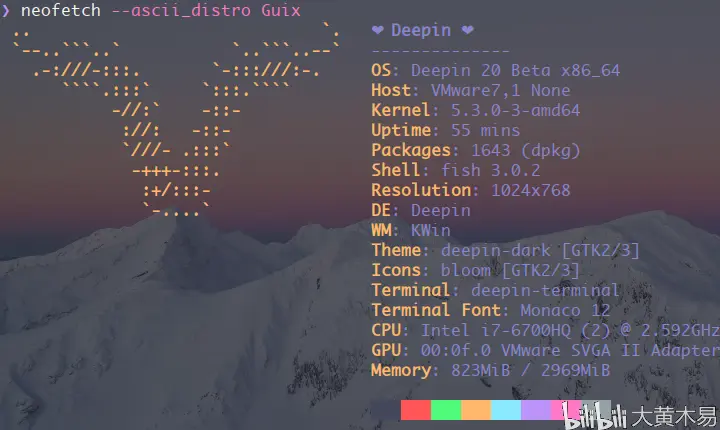
neofetch --ascii_distro Guix
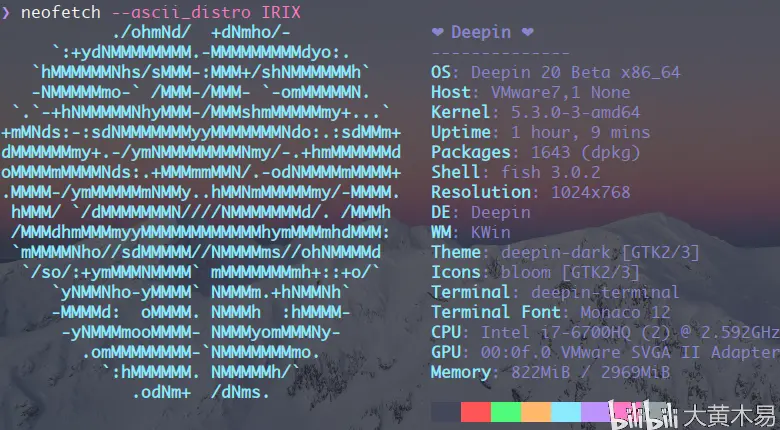
neofetch --ascii_distro IRIX
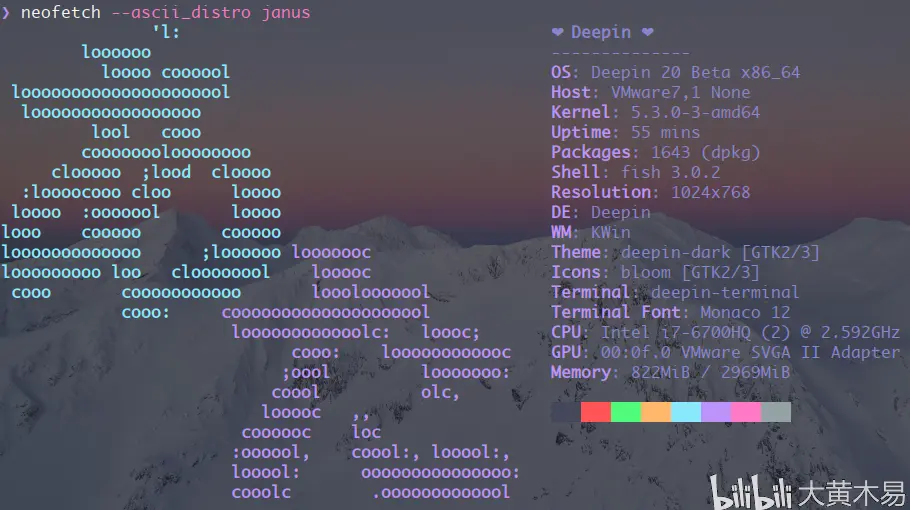
neofetch --ascii_distro janus
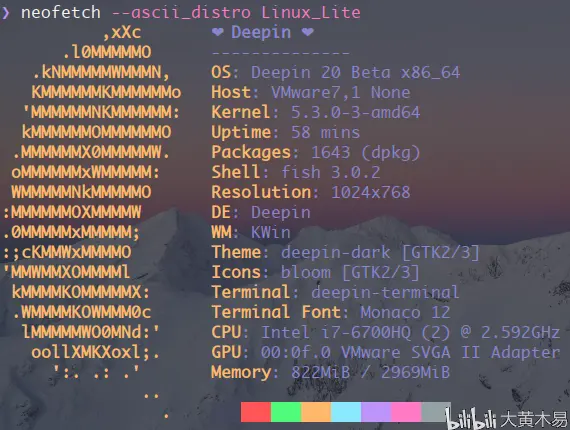
neofetch --ascii_distro Linux_Lite
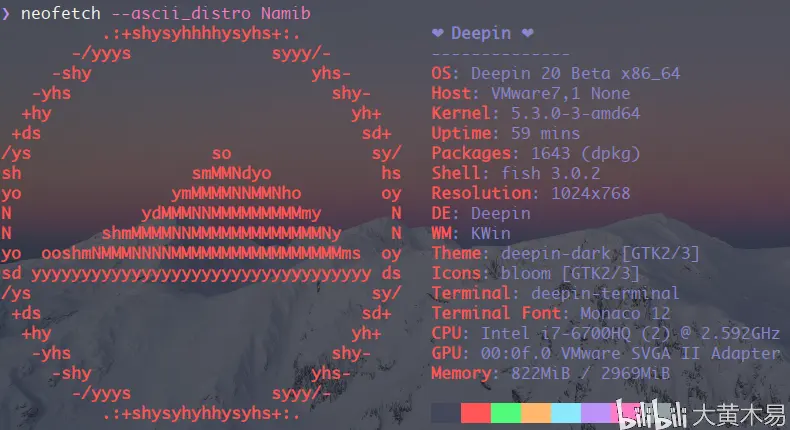
neofetch --ascii_distro Namib
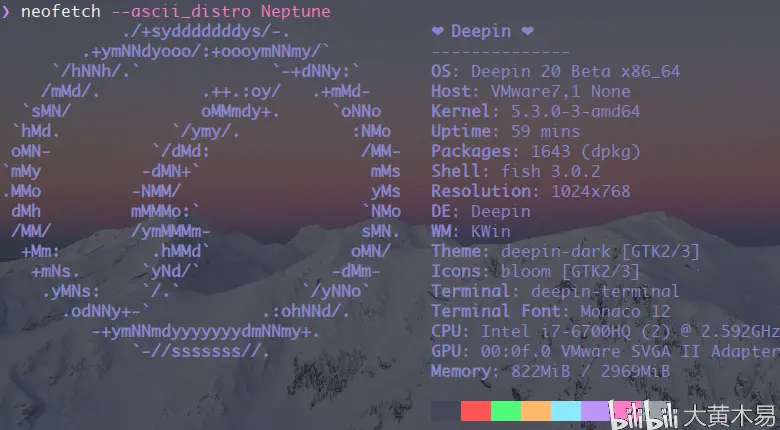
neofetch --ascii_distro Neptune
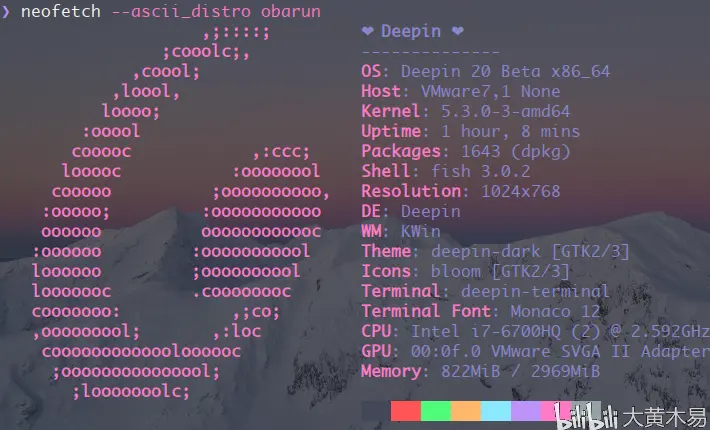
neofetch --ascii_distro obarun
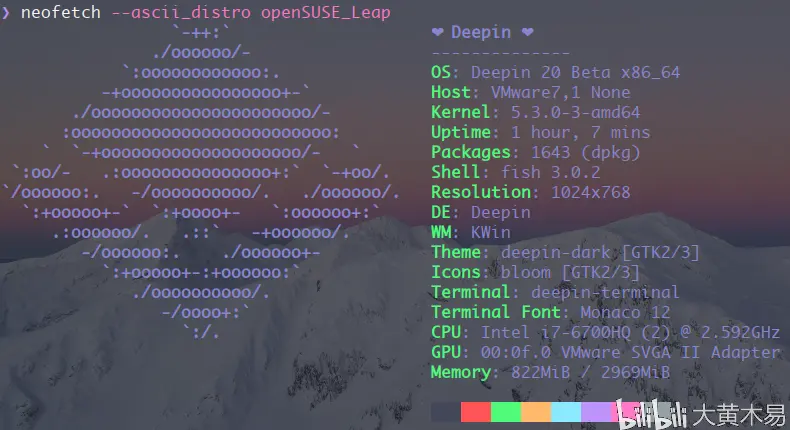
neofetch --ascii_distro openSUSE_Leap
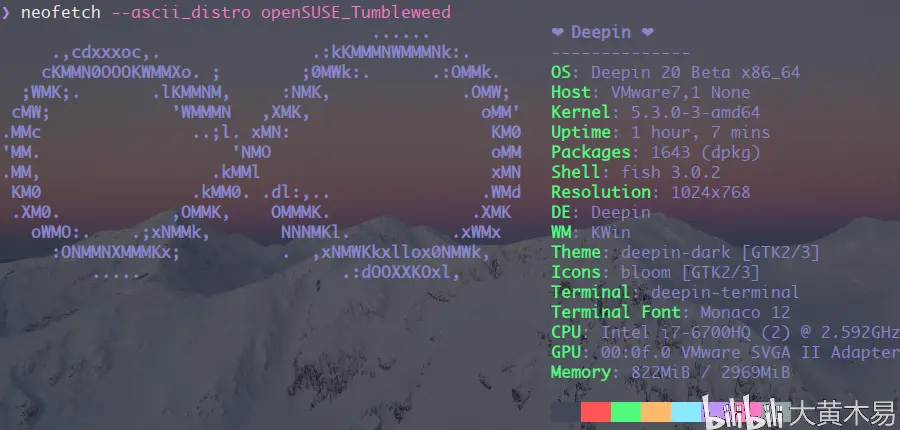
neofetch --ascii_distro openSUSE_Tumbleweed
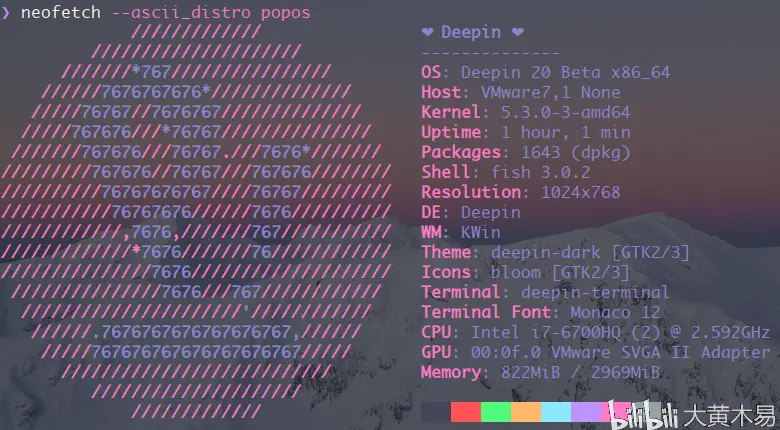
neofetch --ascii_distro popos
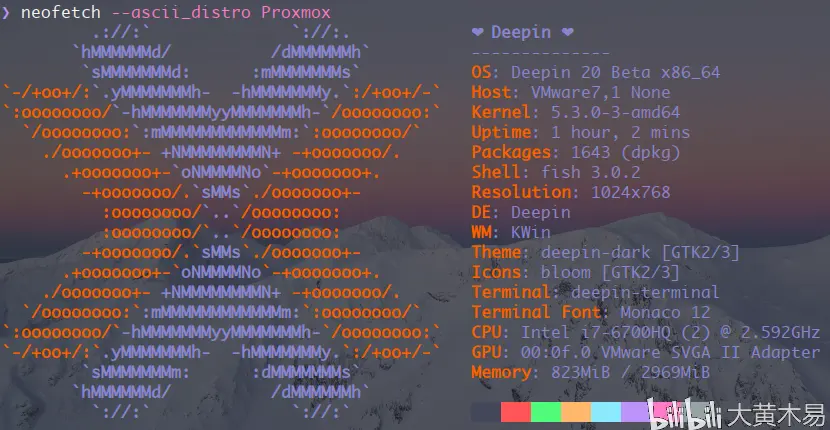
neofetch --ascii_distro Proxmox
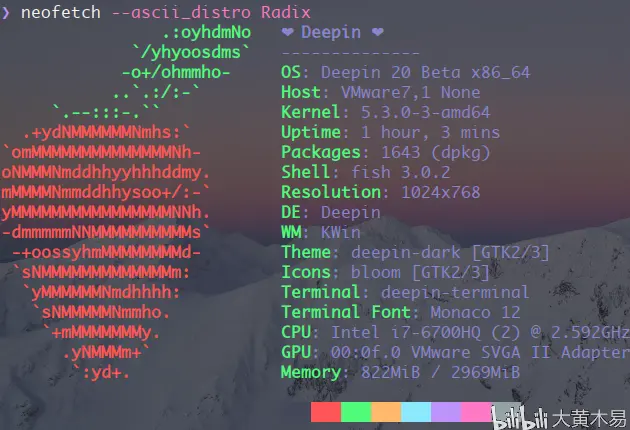
neofetch --ascii_distro Radix
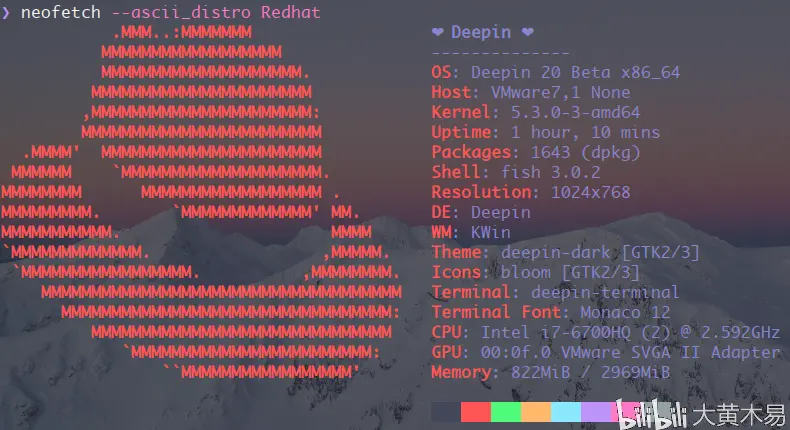
neofetch --ascii_distro Redhat
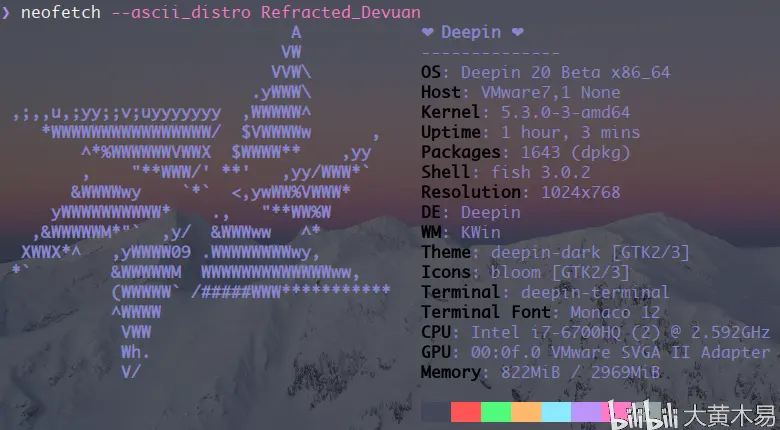
neofetch --ascii_distro Refracted_Devuan
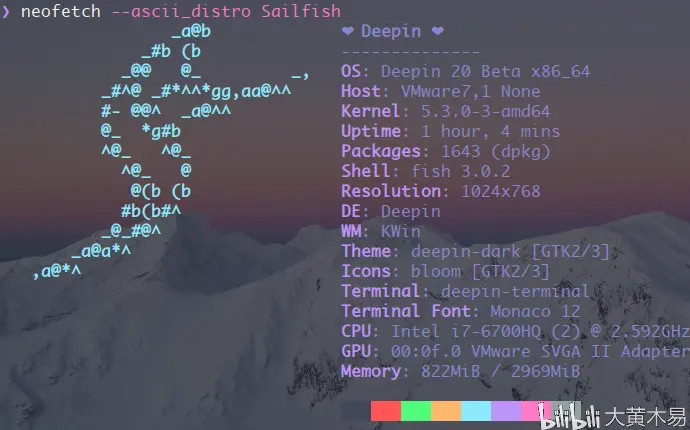
neofetch --ascii_distro Sailfish
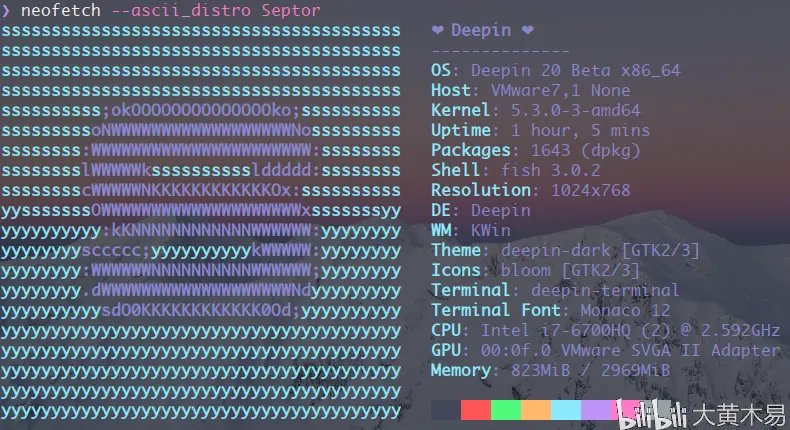
neofetch --ascii_distro Septor
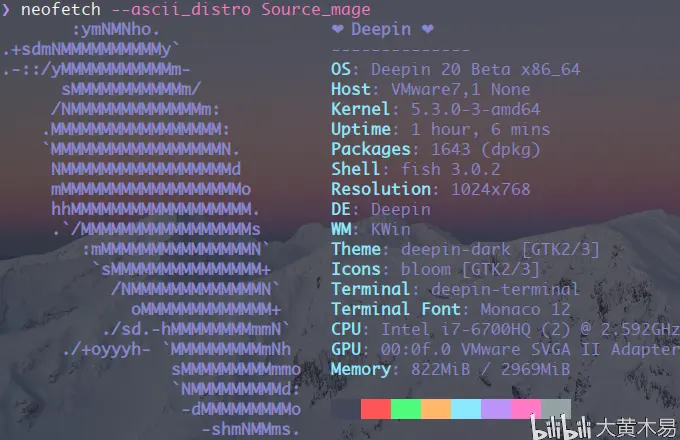
neofetch --ascii_distro Source_mage
下篇完结。
免责声明:本文系网络转载或改编,未找到原创作者,版权归原作者所有。如涉及版权,请联系删
 技术文档
 推荐好文






 155-2731-8020